12 Best free social media management tools You Should Know
SynthAI Team
Content Team
Managing a social media presence across multiple platforms can feel like a full-time job, especially for lean teams, e-commerce founders, and solo creators. The constant demand for new content, scheduling posts, and tracking performance can quickly drain your most valuable resource: time. This is where dedicated social media management tools become essential, but high-priced subscriptions aren't always a viable option when you're starting or scaling.
This guide is designed to solve that exact problem. We've compiled and analyzed the best free social media management tools available today, moving beyond surface-level descriptions to provide a practical resource for making an informed decision. Forget wading through marketing copy; we get straight to what matters for your specific needs, whether you're a Shopify store owner, a SaaS marketer, or managing an agency's client roster.
Each entry in this listicle offers a detailed breakdown, including:
- Key free plan features and limitations: Understand exactly what you get without spending a dime and where the paywalls are.
- Ideal user profiles: Discover which tool is built for someone just like you.
- Practical setup tips and workflows: Learn how to get started quickly and use the tool effectively.
- Integration notes: See how each platform connects with essential services like Meta, Google, WordPress, and HubSpot.
Our goal is to help you find the right platform to organize your content calendar, automate posting, and gain clear insights into your performance-all for free. Each review includes screenshots for a clear visual reference and direct links to get you started immediately. Let's find the tool that fits your workflow.
1. Buffer
Buffer is a long-standing and respected name in social media management, celebrated for its exceptionally clean user interface and straightforward scheduling capabilities. It acts as an ideal "starter stack" for individuals or small teams just beginning to formalize their social media strategy. Its core strength lies in making consistent posting across multiple networks a low-friction activity.
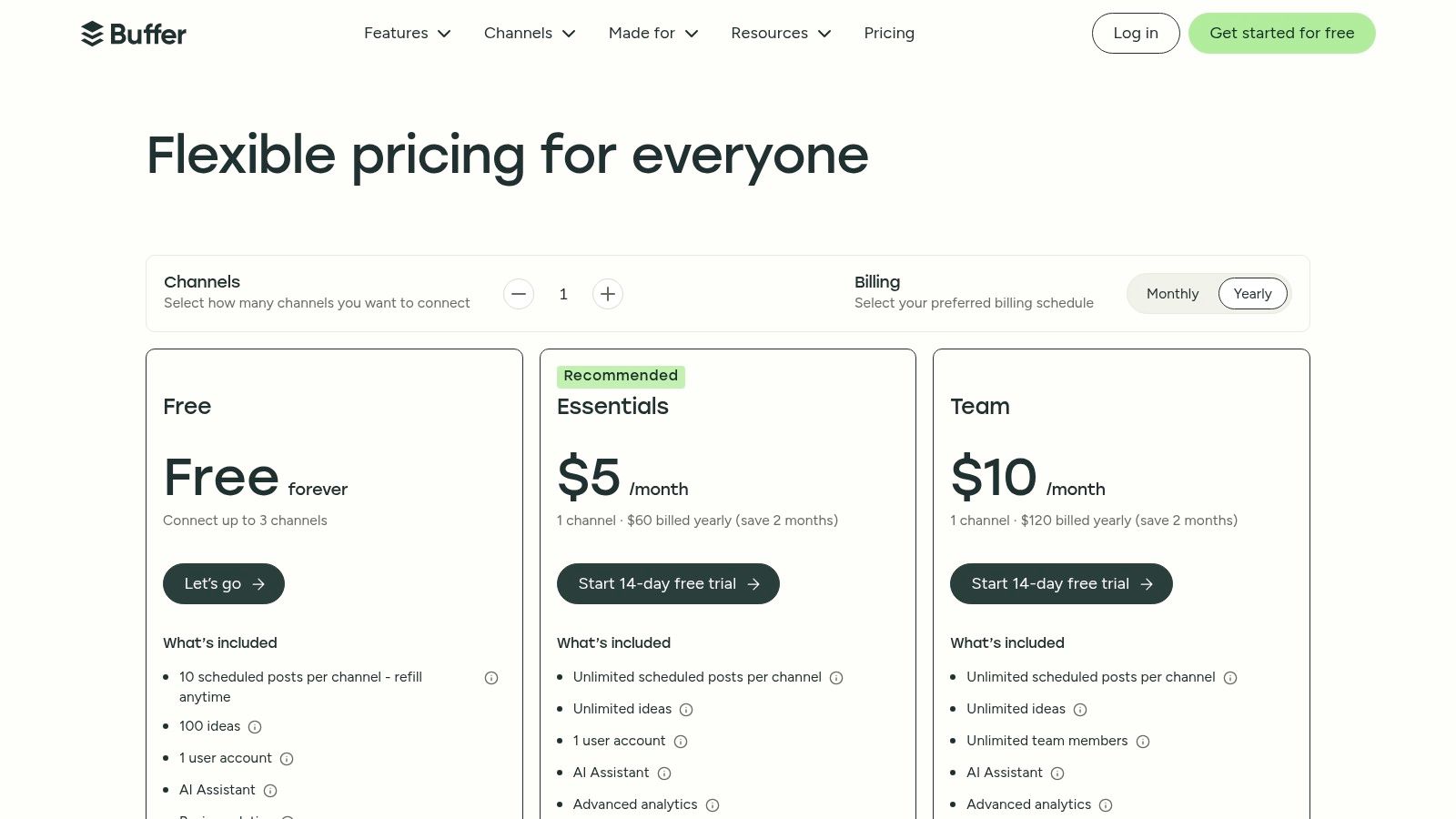
The platform’s free plan provides a solid entry point, allowing you to connect up to three channels and pre-schedule ten posts per channel. This makes it one of the best free social media management tools for establishing a foundational presence without financial commitment.
Key Free-Plan Features
| Feature | Details & Limits | Best Use Case |
|---|---|---|
| Multi-Network Scheduling | Connect 3 channels (from a list including Instagram, Facebook, X, TikTok, LinkedIn, Pinterest) and schedule 10 posts per channel. | A solo creator or founder planning content a week or two in advance. |
| Link Shortening | Automatic link shortening to keep posts clean and track clicks. | Sharing blog posts or product links from an e-commerce store. |
| Basic Post Analytics | View metrics like reach, likes, and comments on posts sent through Buffer. | Gaining initial insights into which content pieces resonate most with your audience. |
| Ideas & Drafts Space | A dedicated area to store content ideas before they are fully developed and scheduled. | Capturing spontaneous thoughts for future campaigns without cluttering the main calendar. |
> Pro Tip: Use Buffer’s browser extension to quickly add articles and links you find online directly to your queue. This saves significant time compared to manually copying and pasting links into the app.
For users needing more advanced features like a unified social inbox, in-depth analytics, or team collaboration, Buffer's paid plans offer a logical upgrade path starting at $6/month per channel. While its free tier is generous for scheduling, true engagement management and reporting are reserved for paying customers.
Website: https://buffer.com/pricing
2. Meta Business Suite (Facebook & Instagram)
For businesses and creators whose audience lives primarily on Facebook and Instagram, Meta Business Suite is the essential, always-free command center. As the native tool, it provides direct, unfiltered access to scheduling, engagement, and analytics for your Facebook Page and Instagram professional account without the risk of third-party API limitations or posting quirks.
It is arguably one of the best free social media management tools because it bundles core functions like content planning, a unified inbox, and performance insights into a single, cohesive dashboard. It removes the need for another tool if your strategy is Meta-centric.
Key Free-Plan Features
| Feature | Details & Limits | Best Use Case |
|---|---|---|
| Native Post & Story Scheduling | Schedule posts, Stories, and Reels for Facebook and Instagram with no post limits. Includes a visual content calendar. | An e-commerce brand planning a full month of product showcases, promotions, and behind-the-scenes Stories. |
| Unified Inbox | Manage Facebook Page comments, Messenger DMs, and Instagram comments and DMs all in one place. | A customer support team responding to inquiries from both platforms without constantly switching tabs. |
| Basic Performance Insights | Access analytics on reach, engagement, and audience demographics for both platforms. | A content creator tracking which Reels formats drive the most new followers and engagement. |
| A/B Testing | Create up to four versions of a single Facebook post to test which text, image, or headline performs best. | A SaaS marketer optimizing ad copy for a lead generation campaign by testing different value propositions. |
> Pro Tip: Use the "Planner" view to see a combined calendar of your scheduled Facebook and Instagram content. It helps you visually identify content gaps and ensure a balanced posting cadence across both networks.
While the suite is powerful for managing Meta's ecosystem, it offers no support for other platforms like X, LinkedIn, or TikTok. Reliability can also occasionally differ between the desktop site and the mobile app.
Website: https://business.facebook.com
3. Adobe Express Content Scheduler
Adobe Express goes beyond simple scheduling by integrating powerful design tools directly into its social media workflow. It's a fantastic solution for teams who need to create visually appealing content quickly without a dedicated designer, combining post creation and planning into one seamless process. Its strength is its "design-to-publish" pipeline, making it one of the best free social media management tools for content-heavy strategies.
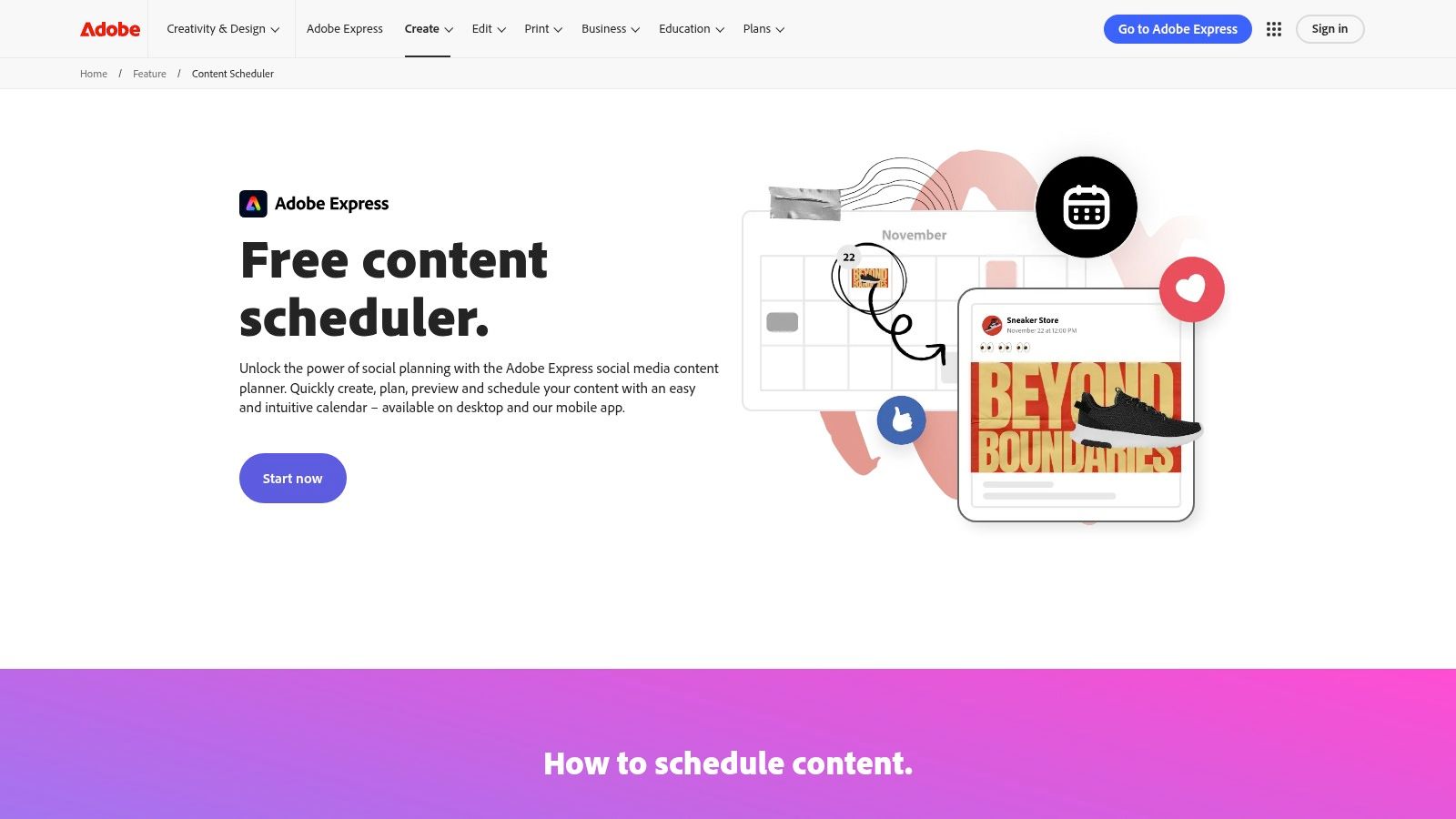
The free plan is surprisingly generous, including access to the Content Scheduler feature with a high posting limit. This allows users to connect their social channels and manage a robust content calendar directly within the same environment where they create their visual assets.
Key Free-Plan Features
| Feature | Details & Limits | Best Use Case |
|---|---|---|
| Integrated Design & Scheduling | Connect Facebook, Instagram, X, Pinterest, LinkedIn & TikTok. Plan, schedule, and publish unlimited posts. | A small e-commerce brand creating and scheduling daily product shots and promotional graphics. |
| Templates & Stock Assets | Access thousands of free templates, Adobe Stock photos, design assets, and fonts. | A real estate agent quickly creating and posting "Just Listed" graphics for multiple properties across channels. |
| Basic Brand Kit | Store your logo, primary color, and font to maintain brand consistency across designs. | A solo founder ensuring all social media posts have a consistent, professional look and feel. |
| Web & Mobile Apps | Design and schedule content from your desktop or on the go with full-featured mobile applications. | A social media manager making last-minute post adjustments or approvals from their phone. |
> Pro Tip: Start your designs from a template. This dramatically speeds up content creation. You can easily swap out the images, text, and colors to fit your brand, creating a professional-looking post in minutes.
While the free scheduler is powerful, accessing premium templates, the full Adobe Stock photo collection, and advanced brand kit features requires an upgrade to the Adobe Express Premium plan. However, for most small businesses and creators, the free offering provides more than enough to manage a high-quality social presence effectively.
Website: https://www.adobe.com/express/feature/content-scheduler
4. Zoho Social (Free Edition)
Zoho Social stands out by offering more than just social media management; it's a gateway into a massive ecosystem of business applications. For businesses already invested in or considering Zoho's suite (like Zoho CRM or Zoho Desk), its free social media tool is an obvious and powerful choice. It provides a robust starting point for a single brand looking to organize its social media presence.
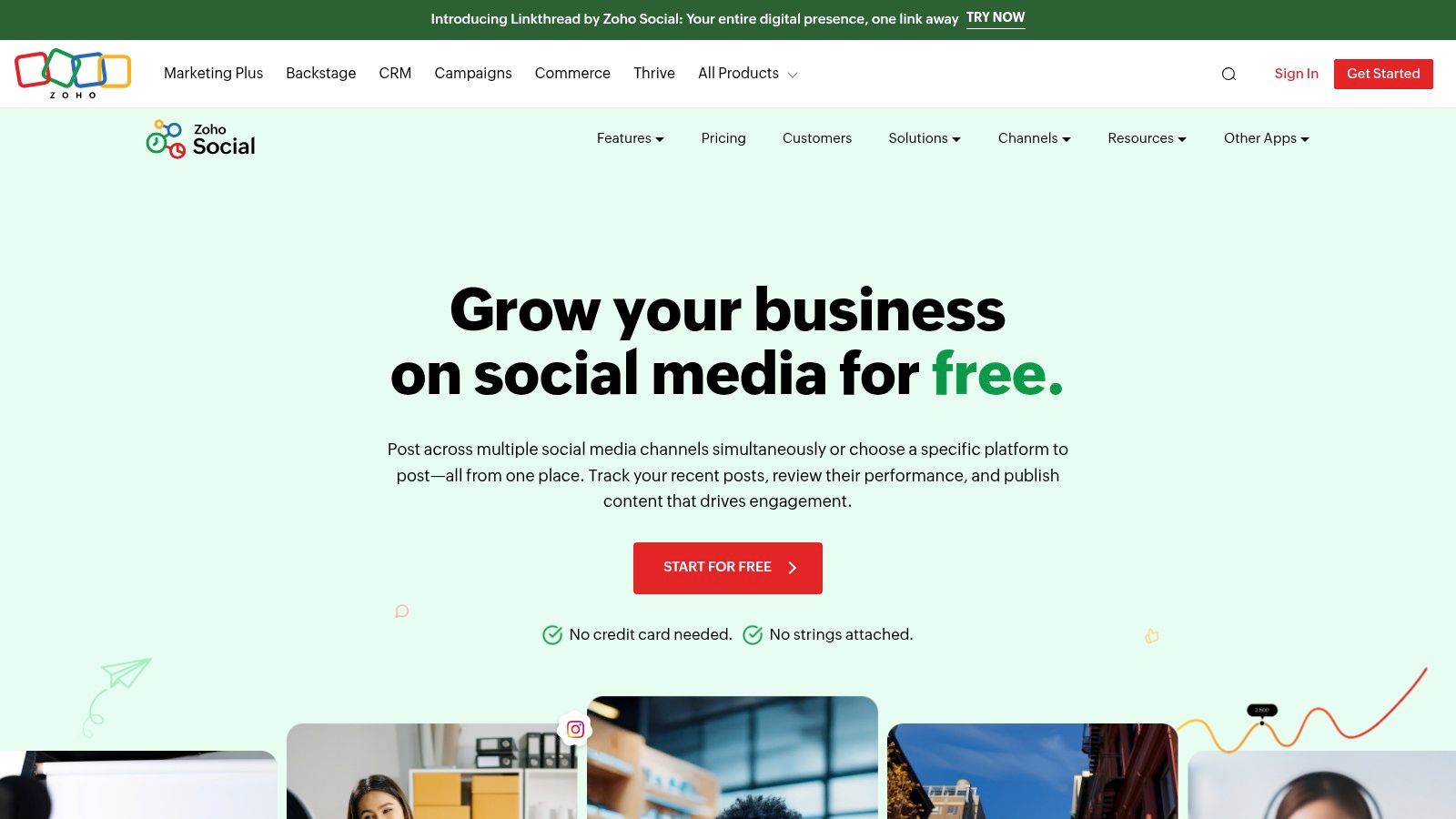
The Free Edition is designed for one person and one brand, covering scheduling across six key networks. This makes it one of the best free social media management tools for small businesses that plan to scale their operational software and want a tool that grows with them.
Key Free-Plan Features
| Feature | Details & Limits | Best Use Case |
|---|---|---|
| Publishing Calendar | Schedule posts for 1 brand across 6 channels (Facebook, X, Instagram, LinkedIn, Pinterest, GMB). | A small business owner managing all core social channels from a single, unified calendar view. |
| Basic Link Shortener | A built-in shortener (zurl.to) to create cleaner links for your posts. | Sharing product pages or company announcements without long, clunky URLs. |
| User Activity Log | View a log of all activities performed within your Zoho Social account. | Keeping a simple, personal record of what has been scheduled and posted. |
| Browser Extension | A 'zShare' browser extension to instantly share content from any web page. | A content marketer who curates articles and wants to quickly add them to their posting schedule. |
> Pro Tip: While the free plan lacks direct CRM integration, get familiar with the interface. If you decide to upgrade, the connection to Zoho CRM allows you to add social leads directly from interactions, creating a seamless sales and marketing workflow.
For users who need team collaboration, a social inbox, or advanced reporting, Zoho Social's paid plans are the necessary next step, starting at $15/month. The true value is unlocked when you pair it with other Zoho products, though its free scheduling features are solid enough to stand on their own.
Website: https://www.zoho.com/social/free-edition.html
5. Metricool
Metricool stands out as a powerful all-in-one suite, offering a surprisingly robust free tier that goes beyond simple scheduling. It provides a centralized dashboard for managing your social presence, tracking website traffic, and even monitoring online ad performance, making it one of the best free social media management tools for data-driven solopreneurs.
Its free-forever plan supports one brand across eight different social networks, a website or blog, and an ad platform like Google or Facebook Ads. This consolidation of analytics and scheduling in one place is its key differentiator, giving a holistic view that many free tools lack.
Key Free-Plan Features
| Feature | Details & Limits | Best Use Case |
|---|---|---|
| All-in-One Planner | Schedule 50 posts per month across 8 networks (including Instagram, Facebook, X, TikTok, LinkedIn, etc.) for one brand. | A small business owner who wants to plan a full month of content and see it alongside blog and ad performance. |
| Basic Social Inbox | Manage comments and messages from Facebook, Instagram, and TikTok directly within the platform. | Quickly responding to customer inquiries and comments without constantly switching between social apps. |
| Entry-Level Analytics | View follower growth, demographic data, and post performance for the last 30 days. Connect Google Business Profile. | A local business tracking its online reputation and a growing social following on a monthly basis. |
| Link-in-Bio Tool | Create a customizable link-in-bio page to direct your audience to multiple destinations from a single URL. | An e-commerce brand driving traffic from Instagram to various product pages, promotions, and blog posts. |
> Pro Tip: Use Metricool’s "autolists" feature to create evergreen content queues. Load the list with your best-performing posts, set a schedule, and Metricool will automatically recycle them, keeping your profiles active with minimal effort.
While the free plan is generous, it's limited to a single brand and lacks competitor analysis and unlimited data history, which are available in paid plans starting at $22/month. It's an excellent choice for those who value seeing analytics and scheduling side-by-side.
Website: https://metricool.com/pricing/
6. Publer
Publer is a versatile and user-friendly scheduler that stands out with its powerful content creation features, even on the free plan. It’s an excellent choice for creators and small businesses who prioritize visual content, thanks to a built-in Canva integration that makes designing and scheduling a seamless process. Its thoughtful publishing user experience simplifies content workflows.
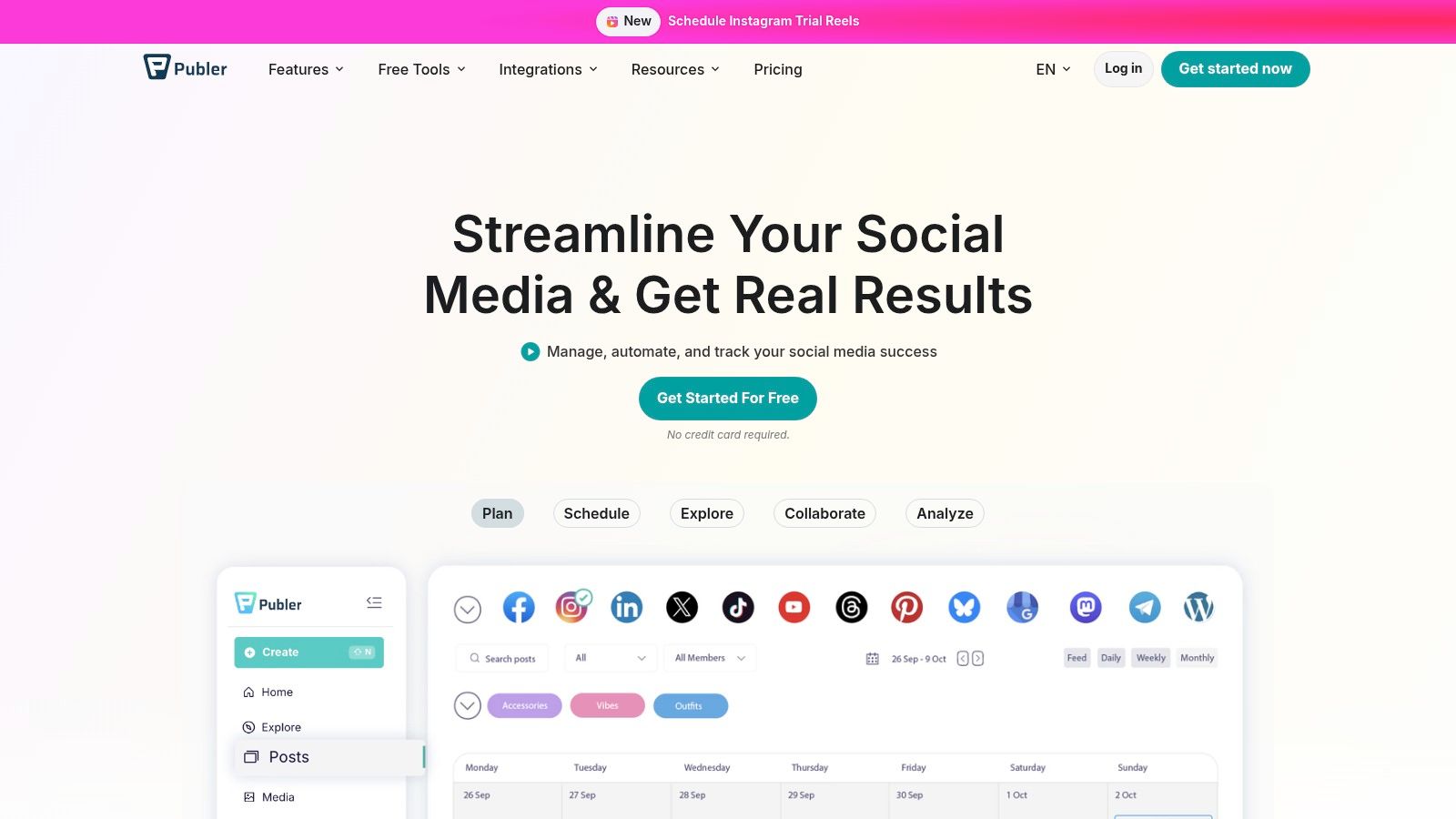
The free plan is practical for getting started, allowing you to connect three social accounts and schedule ten posts at once. Publer's inclusion of a link-in-bio page and a UTM builder for free makes it one of the best free social media management tools for those focused on driving and tracking traffic from day one.
Key Free-Plan Features
| Feature | Details & Limits | Best Use Case |
|---|---|---|
| Integrated Content Tools | Connect 3 accounts (X/Twitter excluded), schedule 10 posts, and access the built-in Canva button to design visuals directly within the post composer. | A visual-heavy brand or creator who wants to design and schedule posts for Instagram, Facebook, and Pinterest in one place. |
| Link in Bio Page | Create and customize one free "Publer Link" page to house all your important URLs. | An e-commerce store owner directing followers to multiple product pages, blog posts, and their main website from a single social bio link. |
| Content Utilities | Access drafts for up to 25 posts, a URL shortener, and a UTM parameter builder to track campaign performance in Google Analytics. | A SaaS marketer A/B testing different call-to-action links and measuring which social posts drive the most qualified leads. |
| Bulk Scheduling | Upload multiple posts at once using a CSV file, a useful feature often reserved for paid tiers. | Planning and scheduling an entire month of evergreen content or promotional posts in a single session. |
> Pro Tip: Use Publer's "Recycle" feature (available on paid plans, but testable) to automatically re-publish your best-performing evergreen posts. For the free plan, manually note high-performing content and reschedule it later using the draft feature.
While the free plan is generous with creation tools, its post history is limited to 25 posts and lacks advanced analytics or collaboration. Upgrading to a paid plan, starting at $12/month, unlocks more accounts, unlimited scheduling, and deeper reporting.
Website: https://publer.io
7. CoSchedule Marketing Calendar (Free)
CoSchedule is primarily known for its powerful editorial and marketing calendars, and its free plan brings that planning-first approach to social media. It stands out by merging content creation workflows with social scheduling, making it perfect for teams who want to visualize their entire marketing strategy, including social posts, in one unified timeline. This makes it one of the best free social media management tools for content-heavy teams.
The "forever-free" Marketing Calendar plan is a fantastic entry point. It allows you to connect two personal social profiles and schedule an unlimited number of posts. This focus on planning rather than arbitrary post limits is a key differentiator from other tools on the market.
Key Free-Plan Features
| Feature | Details & Limits | Best Use Case |
|---|---|---|
| Unified Marketing Calendar | Connect 2 personal social profiles and schedule unlimited social messages from one visual calendar. | A blogger or small business owner planning social promotions around their content publishing schedule. |
| Basic Social Scheduling | Schedule posts directly to your connected social profiles for future dates. | Pre-planning a week's worth of content to ensure a consistent social media presence without daily effort. |
| AI Social Assistant | Get AI-powered suggestions to help you write social media copy or brainstorm different angles for a post. | Overcoming writer's block when promoting the same piece of content multiple times. |
| Task Management | Create and assign marketing tasks within the calendar to keep your projects organized. | A two-person team coordinating who is responsible for drafting, approving, and scheduling specific social posts. |
> Pro Tip: Use the calendar to plan out your entire marketing campaign, from blog post creation to the corresponding social media promotion. This creates a single source of truth for your whole team and ensures no promotional opportunities are missed.
While the free plan excels at planning and scheduling, users who require advanced social analytics, a social inbox for engagement, or more connected profiles will need to upgrade to CoSchedule's paid Social Calendar. The free offering is built to centralize planning, with deeper social management reserved for its paid tiers.
Website: https://coschedule.com/marketing-calendar
8. Pallyy
Pallyy positions itself as a modern, visually-oriented scheduler with a strong focus on Instagram and TikTok. Its interface feels purpose-built for visual planning, making it a refreshing choice for creators, e-commerce brands, and anyone whose strategy hinges on aesthetics. The platform excels at creating a cohesive grid and planning visual-first content.
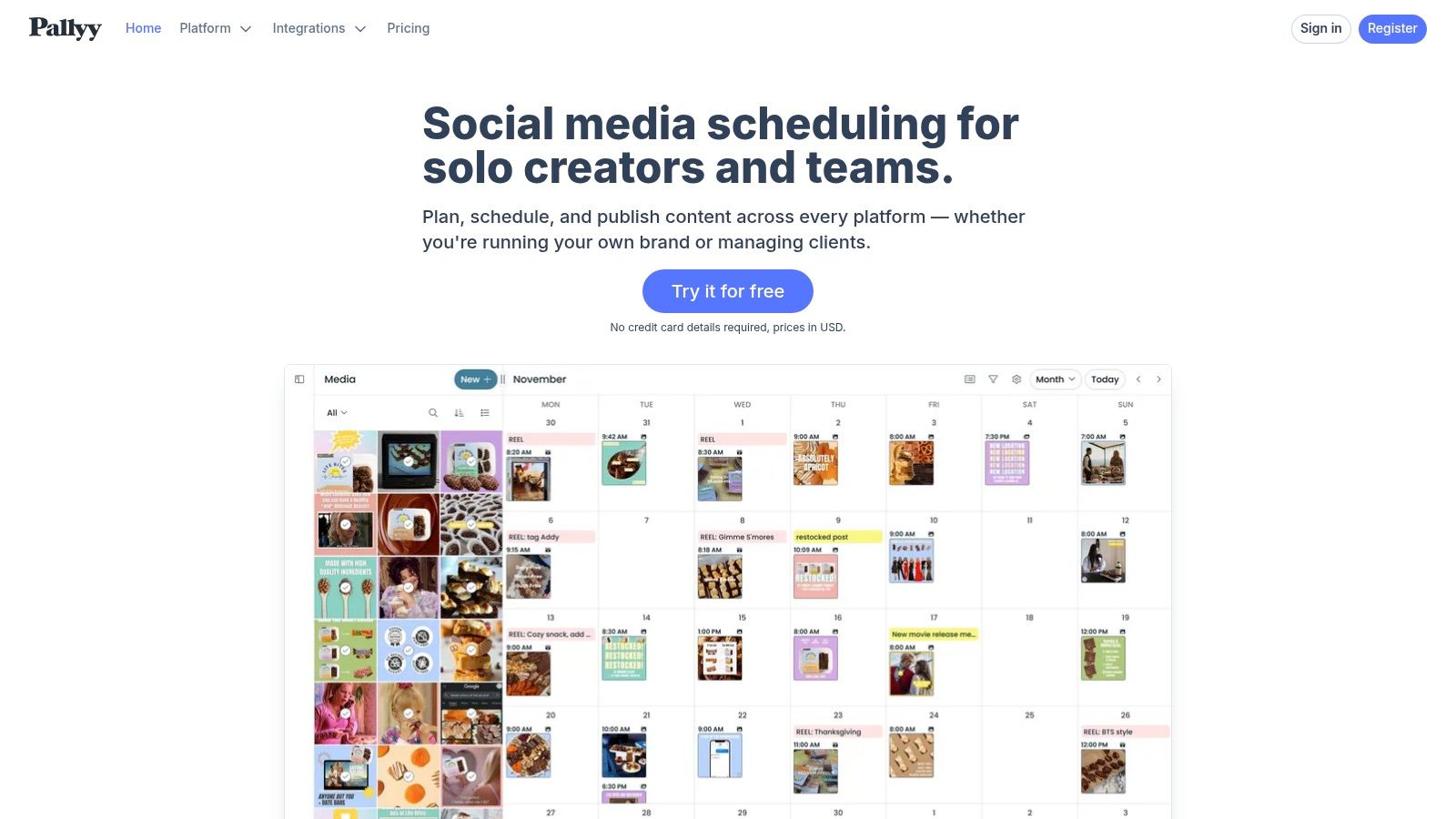
The free plan from Pallyy is a great entry point into its visual-first workflow. It allows you to manage one social set (which includes Instagram, Facebook, X, LinkedIn, etc.) and schedule up to 15 posts per month. This makes it one of the best free social media management tools for those who prioritize a clean, visual content calendar over a high volume of posts.
Key Free-Plan Features
| Feature | Details & Limits | Best Use Case |
|---|---|---|
| Visual Content Calendar | 1 social set, schedule up to 15 posts per month. Includes a visual grid planner for Instagram. | A product-based business or artist planning their monthly Instagram grid visually. |
| Basic Analytics | Access to fundamental metrics for posts published through Pallyy to see what's performing. | Tracking likes and comments on your recent visual content to inform future posts. |
| Bio Link Tool | Create a customizable "link in bio" page to direct your followers to multiple destinations. | An influencer sharing affiliate links, a blog, and a YouTube channel from their Instagram profile. |
| Content Curation & Ideas | A space to save content ideas and pull in content from other social accounts (with credit). | A social media manager finding and storing user-generated content to re-share later. |
> Pro Tip: Use Pallyy's "Best Time to Post" feature, even on the free plan. It analyzes your follower activity to suggest optimal posting times, taking the guesswork out of maximizing initial engagement.
For teams needing unlimited posts, social inbox management, or comment moderation, Pallyy offers straightforward paid plans starting at $18 per month per social set. The platform’s strength is its intuitive visual workflow, but advanced reporting and team collaboration features are reserved for its premium tiers.
Website: https://pallyy.com/
9. Planoly (Personal - Free)
Planoly has built its reputation as the go-to tool for visual planning, particularly for Instagram. While it has expanded its capabilities, its core strength remains helping users curate a beautiful and cohesive grid aesthetic before a single post goes live. It’s a top choice for brands and creators where visual storytelling is paramount.
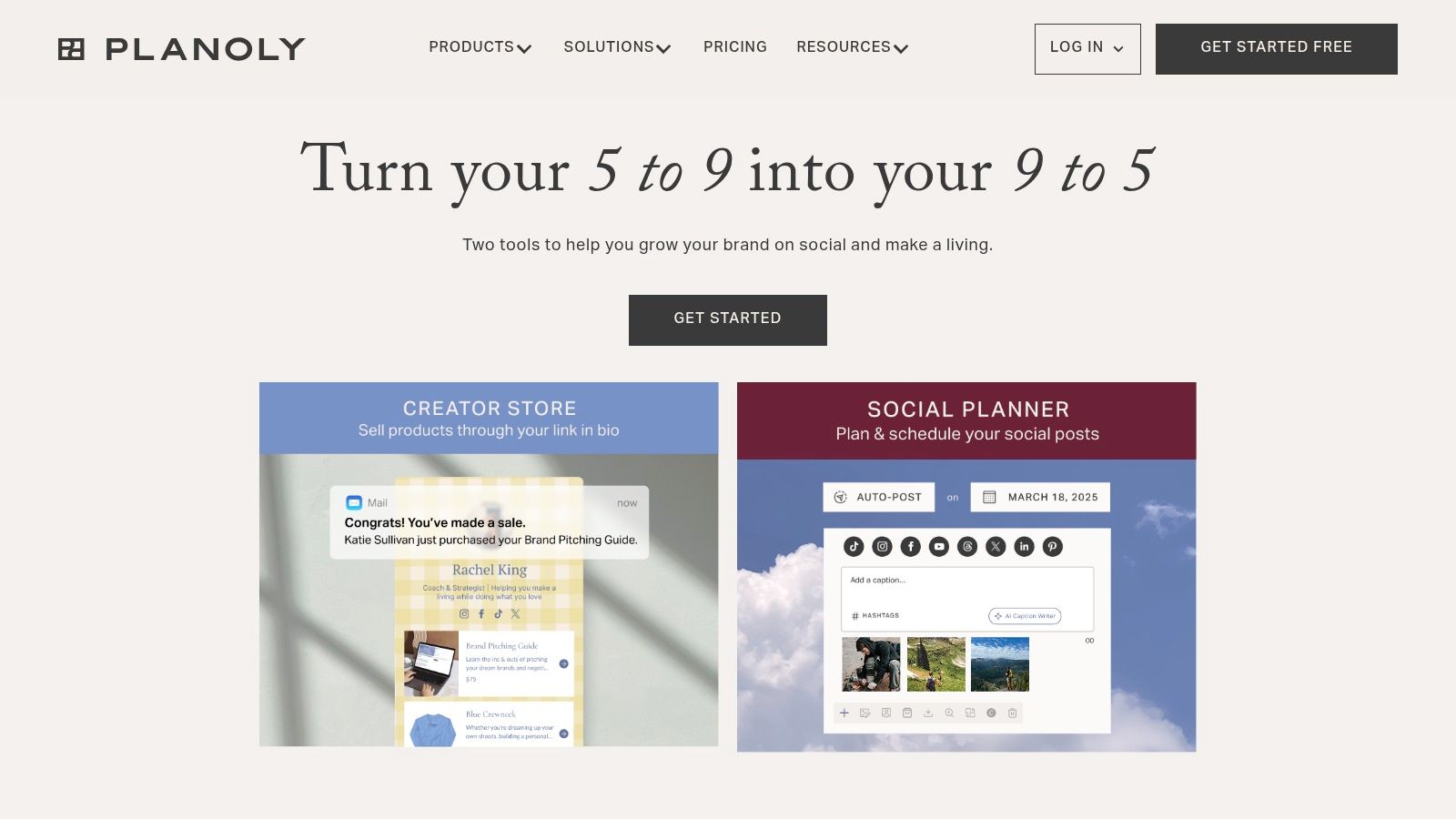
Its free "Personal" plan is limited but provides a direct, hands-on experience with its powerful grid planner. This makes it one of the best free social media management tools for anyone who needs to meticulously plan the look and feel of their Instagram feed. The plan supports one social profile, making it ideal for a focused side project or a new, visually-driven brand.
Key Free-Plan Features
| Feature | Details & Limits | Best Use Case |
|---|---|---|
| Visual Instagram Planner | 1 social profile (Instagram, Pinterest, Facebook, or X). Drag-and-drop grid planning for Instagram. | An artist, photographer, or designer who needs to visualize their feed's aesthetic weeks in advance. |
| Monthly Upload Cap | Limited to 10 uploads per month, which resets on the 1st of each month. | A small e-commerce shop or side hustle with a low-volume, high-quality content schedule. |
| Basic Post Analytics | View follower counts, likes, and comments on posts published through Planoly. | Getting a quick, top-level glance at post performance without leaving the planning workspace. |
| Limited Comment Management | View the 5 most recent comments on your Instagram posts directly within the platform. | Quickly checking for recent engagement without having to open the native Instagram app. |
> Pro Tip: Use the 10 monthly uploads to plan your most critical "pillar" content. Fill in the rest of your calendar with spontaneous Stories or less-critical posts directly in-app to make the free plan last longer.
While the free plan is excellent for visual-first planning, the 10-upload limit is a significant restriction. Features like video scheduling, advanced analytics, and team collaboration are reserved for paid plans, which start at $14/month. This makes Planoly a great starting point for visual curation, but users with higher posting volumes will need to upgrade.
Website: https://www.planoly.com/pricing
10. Planable
Planable is designed from the ground up for collaboration, making it a standout choice for agencies and marketing teams that need seamless feedback and approval workflows. Its strength lies in visualizing content exactly as it will appear live, which drastically reduces misunderstandings and endless revision cycles with clients or internal stakeholders. It’s built for teams who value process and clarity.
The platform's free plan is structured as a trial of its core functionality. It allows you to create up to 50 total posts, providing a perfect testbed for teams to evaluate its collaborative tools before committing. This makes it one of the best free social media management tools for experiencing a professional-grade approval process.
Key Free-Plan Features
| Feature | Details & Limits | Best Use Case |
|---|---|---|
| Visual Content Calendar | Create and organize up to 50 total posts with a shared workspace. | An agency creating a one-week content mock-up to win a new client. |
| Collaboration & Approvals | Use in-post comments and multi-level approval workflows (Internal, Client, etc.). | A marketing team getting final sign-off from a manager before scheduling content. |
| Pixel-Perfect Previews | See exactly how posts will look on Facebook, Instagram (including Stories), X, and LinkedIn. | Ensuring a client is 100% happy with the visual layout of a post before it goes live. |
| Direct Publishing | Schedule and publish posts directly to social networks once they are approved. | A small team managing a single campaign from creation to execution within one tool. |
> Pro Tip: Use Planable’s "link in bio" tool, which is included even on the free plan. You can create a customizable microsite for your Instagram or TikTok bio, adding another layer of value beyond simple post scheduling.
While the 50-post limit makes the free plan unsuitable for long-term management, it is an unparalleled "try-before-you-buy" experience for teams prioritizing feedback. For ongoing use, paid plans start at $11 per user/month and unlock unlimited posts and more advanced features.
Website: https://planable.io
11. SocialBu
SocialBu is a versatile platform that balances broad channel coverage with straightforward scheduling and basic automation. Its standout feature is its support for emerging networks like Threads and Bluesky, even in its free tier, making it one of the best free social media management tools for early adopters wanting to experiment on new platforms without added cost.
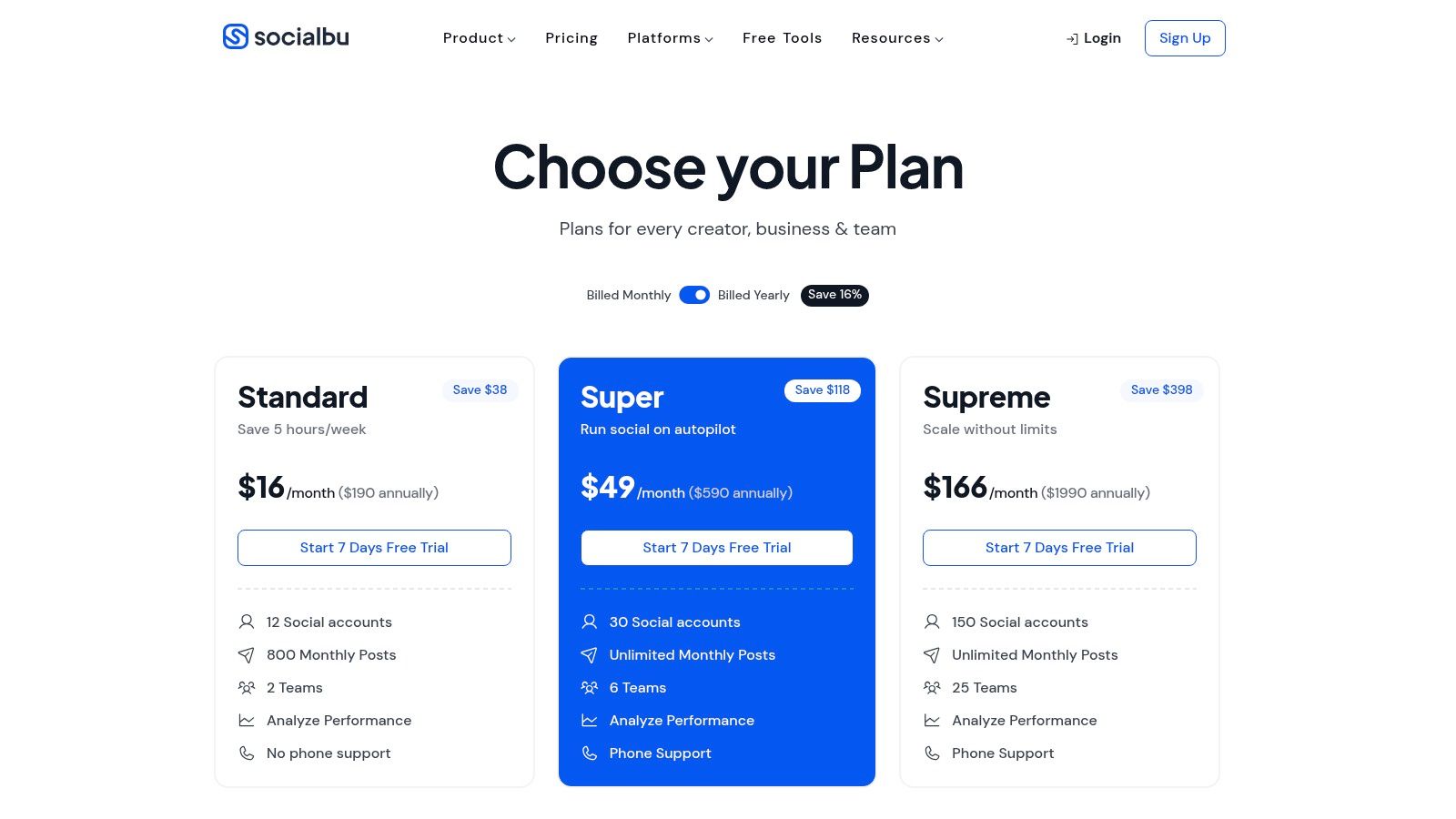
The free plan gives users a taste of its capabilities, including scheduling and simple automations. While the permanent post limit is a notable constraint, it's sufficient for testing the platform's user interface and workflows before deciding on an upgrade.
Key Free-Plan Features
| Feature | Details & Limits | Best Use Case |
|---|---|---|
| Wide Network Support | Connect 3 social accounts. Includes major platforms plus newer ones like Threads and Bluesky. | A tech-focused brand or creator wanting to build a presence on emerging social networks early. |
| Scheduling & Queues | Schedule up to 10 lifetime posts. Posts can be added to queues for staggered publishing. | Testing the platform's scheduling interface or managing a very low-volume, experimental account. |
| Basic Automation | Set up simple "if this, then that" rules, like posting content from an RSS feed automatically. | An e-commerce store automatically sharing new blog posts to their Facebook page. |
| Unified Post Composer | Create and customize posts for different networks from a single screen. | Crafting a single announcement and quickly adapting the copy for X, LinkedIn, and Facebook. |
> Pro Tip: Use the RSS feed automation on the free plan to keep one of your secondary channels active with curated industry news. This keeps the account warm with minimal manual effort while you focus on primary channels.
For users who need more than 10 lifetime posts, a social inbox, or advanced analytics, SocialBu’s paid plans start at $19/month. The free plan is best viewed as an extended trial, perfect for evaluating its unique channel support and easy-to-use interface.
Website: https://socialbu.com/pricing
12. Social Champ
Social Champ is a pragmatic scheduler that shines with its content recycling and bulk management features. It’s designed for efficiency, allowing users to automate posting schedules and re-use their best-performing content without manual effort. Its free-forever plan is an excellent testing ground for users to validate these advanced workflows before committing to a paid subscription.
The free plan includes 3 social accounts with a cap of 15 scheduled posts, which is a tight limit. However, its inclusion of content queues makes it a standout among the best free social media management tools for marketers who want to experiment with more automated posting strategies.
Key Free-Plan Features
| Feature | Details & Limits | Best Use Case |
|---|---|---|
| Multi-Network Scheduling | Connect 3 accounts (from a list including Facebook, Instagram, X, LinkedIn, Pinterest, YouTube, TikTok) and schedule 15 posts total. | A solo manager testing a content strategy across their top three platforms for a short period. |
| Content Queues | Set up post categories and time slots, then add content to the queue to be published automatically. | A SaaS marketer creating a queue for "product tips" that publishes every Tuesday morning. |
| Bulk Upload | Schedule dozens of posts at once by uploading a CSV file with captions, links, and dates. | An e-commerce brand scheduling a month's worth of product features in a single session. |
| Basic Post Analytics | View foundational post-performance metrics to see what is working. | Quickly checking the likes and shares on recent posts to guide future content creation. |
> Pro Tip: Use the content queue feature to create an "evergreen" category. Fill it with your best non-time-sensitive content (like blog posts or brand-building material) and set it to repeat every few months to maximize its reach.
While the free plan offers a great taste of automation, features like a unified social inbox, advanced analytics, and team collaboration are reserved for paid plans, which start at a competitive $29/month. This makes Social Champ a solid choice for those who anticipate needing more power as they grow.
Website: https://www.socialchamp.io/pricing/
Top 12 Free Social Media Management Tools: Feature Comparison
| Tool | Core features | UX ★ | Value & Pricing 💰 | Target 👥 | Unique ✨ |
|---|---|---|---|---|---|
| Buffer | Multi-network scheduling, drafts, basic analytics | ★★★★ | 💰 Free tier (limits); paid unlocks analytics | 👥 Founders & small teams | ✨ Simple UI + strong tutorials |
| Meta Business Suite (FB & IG) | Native scheduling, Reels/Stories, unified inbox, basic insights | ★★★ | 💰 Free; platform-limited | 👥 Facebook & Instagram-first brands | ✨ Native posting reduces third‑party quirks |
| Adobe Express Content Scheduler | Design→publish pipeline, templates, stock assets, scheduler | ★★★★ | 💰 Free scheduler; premium assets paid | 👥 Teams needing fast asset→post workflow | ✨ Built-in design + scheduler |
| Zoho Social (Free) | Scheduling to core channels, link shortener, calendar | ★★★ | 💰 Free basics; paid for analytics/automations | 👥 SMBs in Zoho ecosystem | ✨ Smooth upgrade path into Zoho apps |
| Metricool (Free) | Planner, auto-publish, basic analytics, link-in-bio, ad/traffic views | ★★★ | 💰 Free‑forever (single brand); paid to scale | 👥 Solopreneurs & small businesses | ✨ Dashboard includes ad & traffic insights |
| Publer | Multi-platform scheduling, Canva integration, UTM & link tracking | ★★★★ | 💰 Free tier; paid for more profiles/queues | 👥 Small stores & content teams | ✨ Canva + UTM builder + bulk tools |
| CoSchedule Marketing Calendar (Free) | Editorial calendar, social scheduling, AI copy assistant | ★★★★ | 💰 Free calendar; paid Social Calendar for seats/features | 👥 Teams planning campaigns & calendars | ✨ Centralized editorial planning with AI |
| Pallyy | Visual planning, queue, ideas space, basic analytics | ★★★★ | 💰 Free with post limits; pay‑as‑you‑go add‑ons | 👥 Instagram/TikTok creators & small teams | ✨ Visually-oriented planner for creatives |
| Planoly (Personal - Free) | Instagram grid planning, multi-channel workspace, limited uploads | ★★★★ | 💰 Free Personal (10 uploads/mo); paid for more/video | 👥 Creators & visual shops | ✨ Best-in-class grid & visual previews |
| Planable | Content calendar, multi-view previews, comments & approvals | ★★★★ | 💰 Free tier (50 posts total); paid for teams/reports | 👥 Agencies & teams needing approvals | ✨ Client-friendly previews & approval workflows |
| SocialBu | Scheduling, basic automations, RSS imports, wide platform support | ★★★ | 💰 Free with account/post caps; paid to expand | 👥 Brands needing many channels & basic automations | ✨ Broad channel coverage incl Threads & Bluesky |
| Social Champ | Queue & evergreen posting, bulk upload, multi-platform support | ★★★ | 💰 Free‑forever starter; paid competitive per‑profile pricing | 👥 Very small setups validating workflows | ✨ Evergreen/recycle + bulk scheduling tools |
Final Thoughts
Navigating the world of social media management doesn't have to strain your budget. As we've explored, a powerful array of free tools can provide the structure and efficiency needed to build a strong online presence. The key takeaway is that there is no single "best" free social media management tool; the right choice is entirely dependent on your specific situation, goals, and workflow.
What this guide demonstrates is the importance of a strategic match. A Shopify store owner's needs are fundamentally different from those of a SaaS marketer or a freelance content creator. By understanding the core strengths and limitations of each platform-from Buffer's straightforward scheduling to Metricool's analytics depth-you can make an informed decision that saves both time and money.
Making Your Choice: A Practical Framework
Before you commit to a tool, even a free one, take a moment to crystallize your needs. Moving your assets and learning a new system takes time, so a thoughtful initial choice is critical.
Consider these final guiding questions:
- What is my primary goal? Are you focused on visual planning for Instagram (Planoly, Pallyy), team collaboration and approvals (Planable), or broad-spectrum scheduling and basic analytics (Buffer, Publer)?
- Which platforms are non-negotiable? If your audience lives on Pinterest or LinkedIn, your options narrow considerably compared to someone focused solely on Meta platforms, where the native Business Suite excels.
- How important is data? If you need to track link clicks, follower growth, and post-performance with some detail, tools like Metricool and Zoho Social's free tiers offer more than basic schedulers.
- What does my workflow look like? For those who value a centralized content calendar to manage all marketing efforts, CoSchedule's free offering is a standout. If your process requires client or manager approval, Planable’s unique collaboration-first model is purpose-built for that friction point.
Beyond the Free Plan: Thinking Long-Term
Remember that free plans are designed with specific limitations. They are gateways, intended to solve immediate problems while showcasing the potential of a paid subscription. Hitting a post limit, a user cap, or needing more advanced analytics is not a failure; it's a sign of growth.
When you reach that point, you have a clear decision to make: upgrade your current tool or re-evaluate the market. Often, the very best free social media management tools are the ones that grow with you, offering a logical and affordable upgrade path once your brand's success demands it. The initial experience with the free version should give you complete confidence that the paid version will be a worthwhile investment.
Ultimately, the goal is not just to schedule posts. It's to build a system that allows you to connect with your audience consistently and authentically, free from the daily scramble of manual posting. The tools we've covered provide that foundation, giving you the breathing room to focus on what truly matters: creating great content and building meaningful relationships.
As you scale, your need for efficiency will only grow. While these free tools are excellent for managing your presence, the next step is automating the creation and optimization of your content itself. This is where SynthAI comes in. Instead of just scheduling posts, you can use our platform to generate on-brand social copy, repurpose blog content into dozens of unique social updates, and even analyze performance to inform future content-all in a fraction of the time. Explore how SynthAI can become your content automation engine, working alongside your favorite management tool to drive real growth.
Ready to Transform Your Business with AI?
Build your AI team and start automating your marketing today.