The 12 Best Content Calendar Template Free Downloads for 2026
SynthAI Team
Content Team
Juggling content ideas, channels, and deadlines across messy spreadsheets and scattered documents is a recipe for missed opportunities and burnout. A structured content calendar isn't just about organization; it's a strategic tool that aligns your team, ensures consistent messaging, and frees up mental energy for creativity. The problem is, many templates are either too simple to be useful or too complex to adopt, leaving you stuck in planning paralysis.
This guide cuts through the noise. We've compiled a curated list of the top content calendar template free resources available today, designed for immediate use. Whether you're a Shopify store owner, a marketing agency, or a solo creator, the right template can make the difference between chaos and clarity. We'll show you exactly where to find high-quality templates for the tools you already use, including Google Sheets, Excel, Notion, Trello, and Airtable.
Inside this resource list, you will find:
- A direct comparison of 12 top-tier templates.
- Screenshots and direct download links for each option.
- Honest assessments of their strengths and limitations.
- Specific use-case recommendations to match the template to your workflow.
Our goal is straightforward: to help you find the best content calendar template free for your needs, so you can stop wrestling with logistics and start creating content that drives results. Let's find your perfect fit.
1. SynthAI – AI-Powered Content Automation Platform
SynthAI represents a significant evolution beyond the traditional spreadsheet. Instead of offering just a static content calendar template free to download, it provides a dynamic, AI-powered platform that generates, executes, and optimizes your entire content strategy. This makes it an exceptional choice for businesses ready to move from manual planning to automated execution, transforming the calendar from a document into an active marketing engine. The platform is built for teams that have outgrown the limitations of a simple template and need a system that actively drives results.
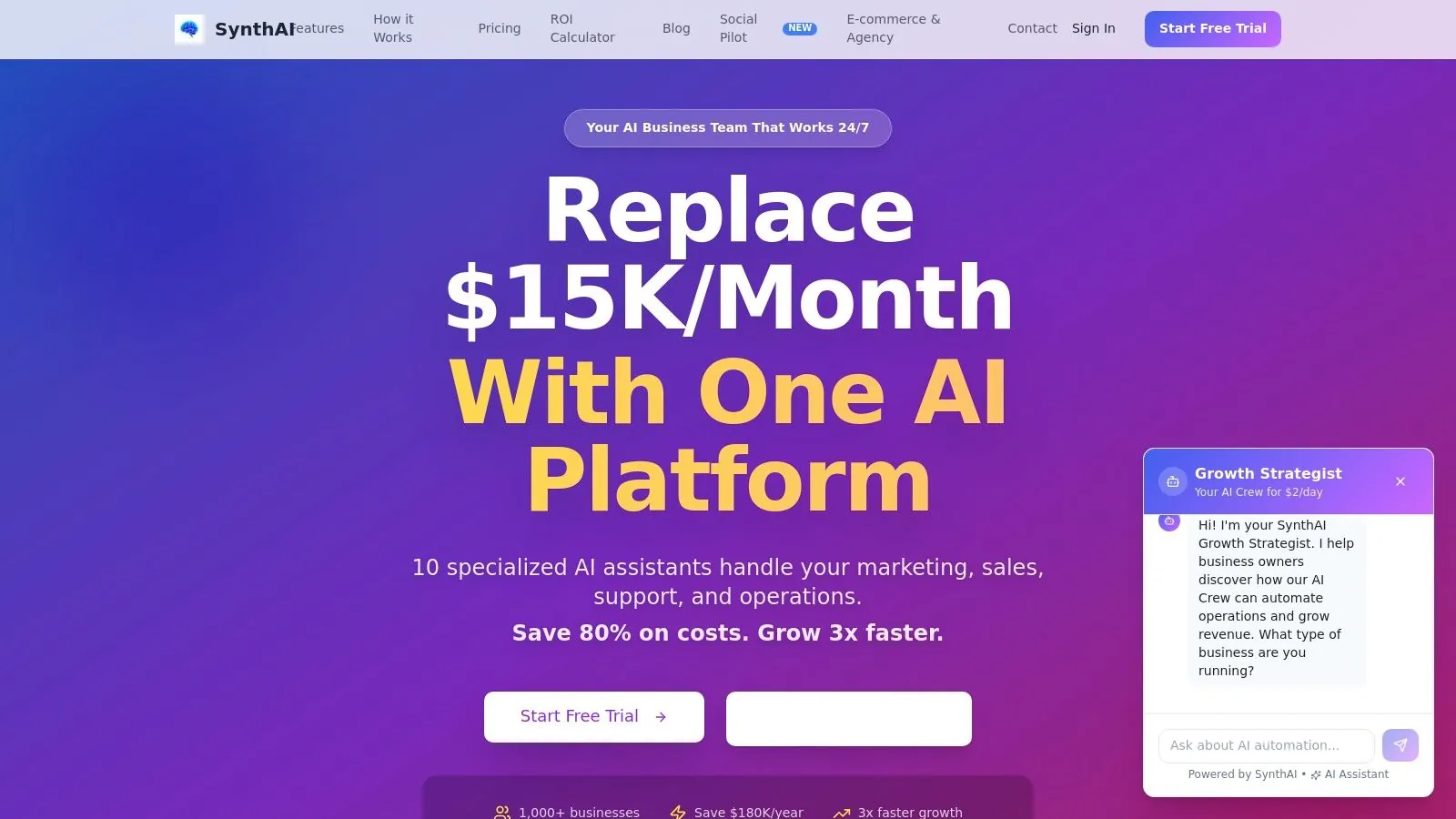
The core strength of SynthAI lies in its coordinated suite of specialized AI assistants. Rather than a single generalist AI, you gain access to a team of AIs trained for specific functions across marketing, sales, and operations. You simply describe your goals in plain language-like "increase blog traffic by 20% with SEO-focused articles"-and the platform builds a corresponding content plan, schedules the posts, and even tracks performance by connecting directly to your analytics tools.
Key Strengths and Use Cases
SynthAI is particularly effective for teams looking to automate multi-channel campaigns. For example, an e-commerce store can connect its Shopify and social media accounts, instructing SynthAI to generate product-focused blog posts, create corresponding social media updates for Meta and X, and schedule them around a product launch. All of this is managed from a central dashboard that visualizes the entire workflow. The deep integrations, which include HubSpot, Google Ads, and over 5,000 apps via Zapier, enable a true two-way sync, ensuring data consistency across your entire tech stack.
> SynthAI's primary advantage is its ability to turn a strategic plan into an automated workflow. It bridges the gap between the calendar and the actual execution of content, a common pain point for scaling marketing teams.
Platform Considerations
While SynthAI offers a free trial to test its capabilities, its full power is unlocked through credit-based subscription plans. These plans provide access to a set number of AI assistants and a monthly credit allowance. It's important for users to monitor their credit consumption, as high-volume content generation or extensive use of features like HD video creation may require plan upgrades or add-on purchases. Furthermore, while the AI is advanced, human oversight remains critical, especially for brand-sensitive communications and final approvals. The system is designed to augment, not completely replace, human strategic input.
| Feature Analysis | Description |
|---|---|
| Automation Engine | A coordinated suite of 10+ specialized AIs automates content generation, scheduling, and performance analysis. |
| Integrations | Native connections to Shopify, Meta, Google, HubSpot, and 5,000+ apps via Zapier for seamless workflows. |
| ROI and Performance | The platform claims to deliver an average 400% ROI uplift, 3x content production speed, and significant cost savings. |
| Enterprise Features | SOC 2 compliance, visual debugging tools, and dedicated support make it suitable for larger, high-volume teams. |
| Pricing Model | Offers a free trial with credit-based plans, allowing businesses to start small and scale their usage as needed. |
Website: https://www.getsynthai.com
2. HubSpot – Free Editorial/Content Calendar Templates
HubSpot’s collection of editorial calendar templates has been a mainstay for marketers for years, and for good reason. They provide a robust, spreadsheet-based solution for teams that want a powerful planning tool without adopting entirely new software. This package is particularly well-suited for content teams focused heavily on blogging and SEO, offering dedicated columns for tracking authors, publishing dates, and target keywords right within the calendar.
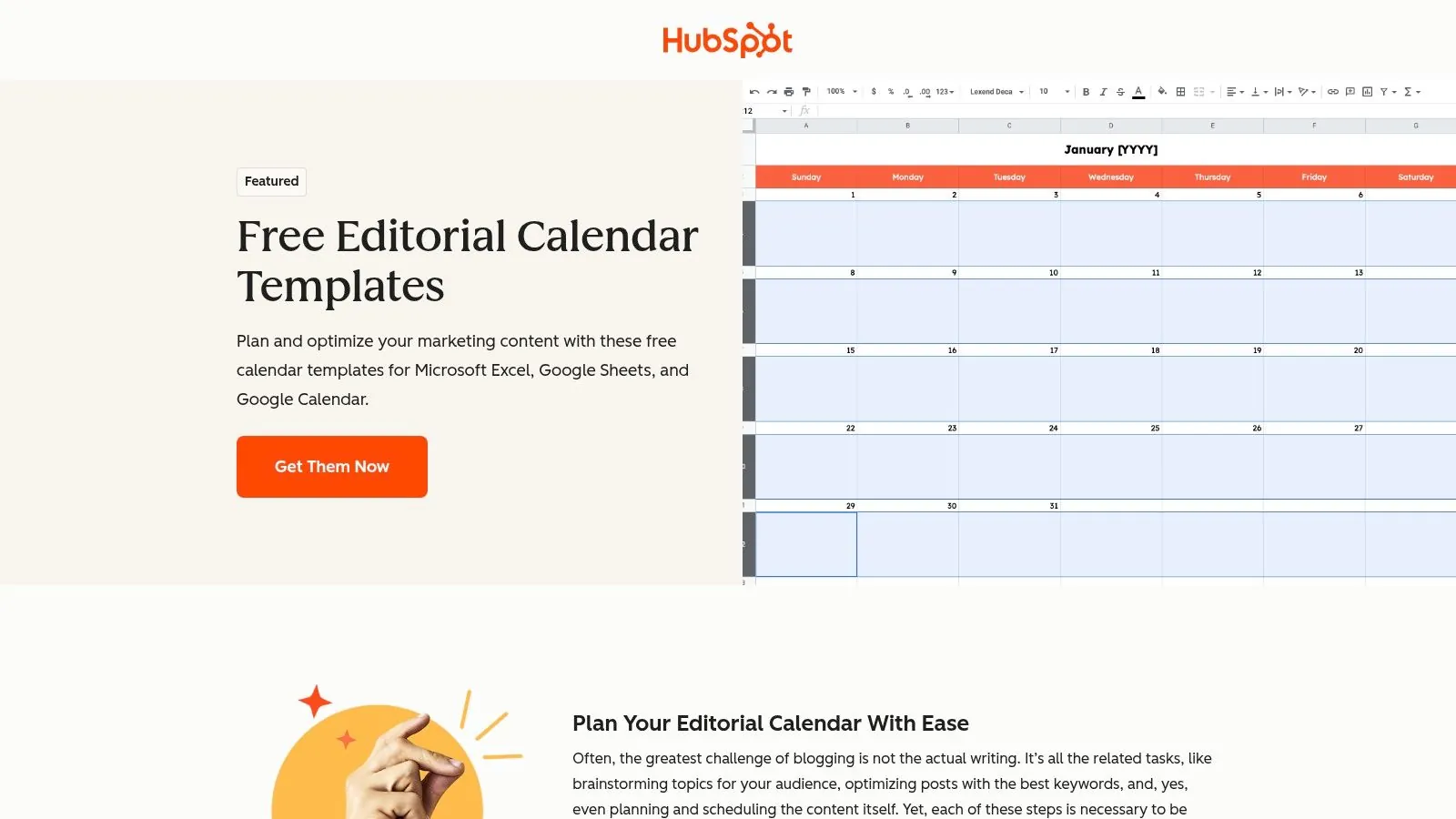
The primary strength of HubSpot’s offering is its familiarity. Provided as Google Sheets and Excel files, these templates are instantly accessible and easy to modify. Users can easily add or remove columns, set up custom data validation rules, or apply conditional formatting to highlight content statuses.
Access and Implementation
To get this content calendar template free, you must submit your contact information through a lead-capture form on their website. After submission, you’ll receive an email with links to the files.
- Formats: Google Sheets, Excel, and a file for Google Calendar import.
- Best For: Blog-centric teams, SEO strategists, and marketers who prefer working within the Google or Microsoft ecosystem.
- Key Limitation: Collaboration is manual. Unlike dedicated project management tools, approvals and feedback require direct comments or separate communication channels, which can become cumbersome for larger teams.
Ultimately, this is an excellent starting point for formalizing your content strategy. The included guidance helps you understand not just how to fill out the spreadsheet, but how to think about your content planning process more strategically.
**Get the templates from HubSpot**
3. Hootsuite – Free Social Media Content Calendar Template
Hootsuite's offering is purpose-built for social media managers who need more than just a blank spreadsheet. This package is less of a generic template and more of a quick-start kit for social media planning, bundling the calendar with valuable guidance on posting frequency and a checklist for best practices. It’s an ideal solution for teams looking to formalize their social media workflow without committing to new software right away.
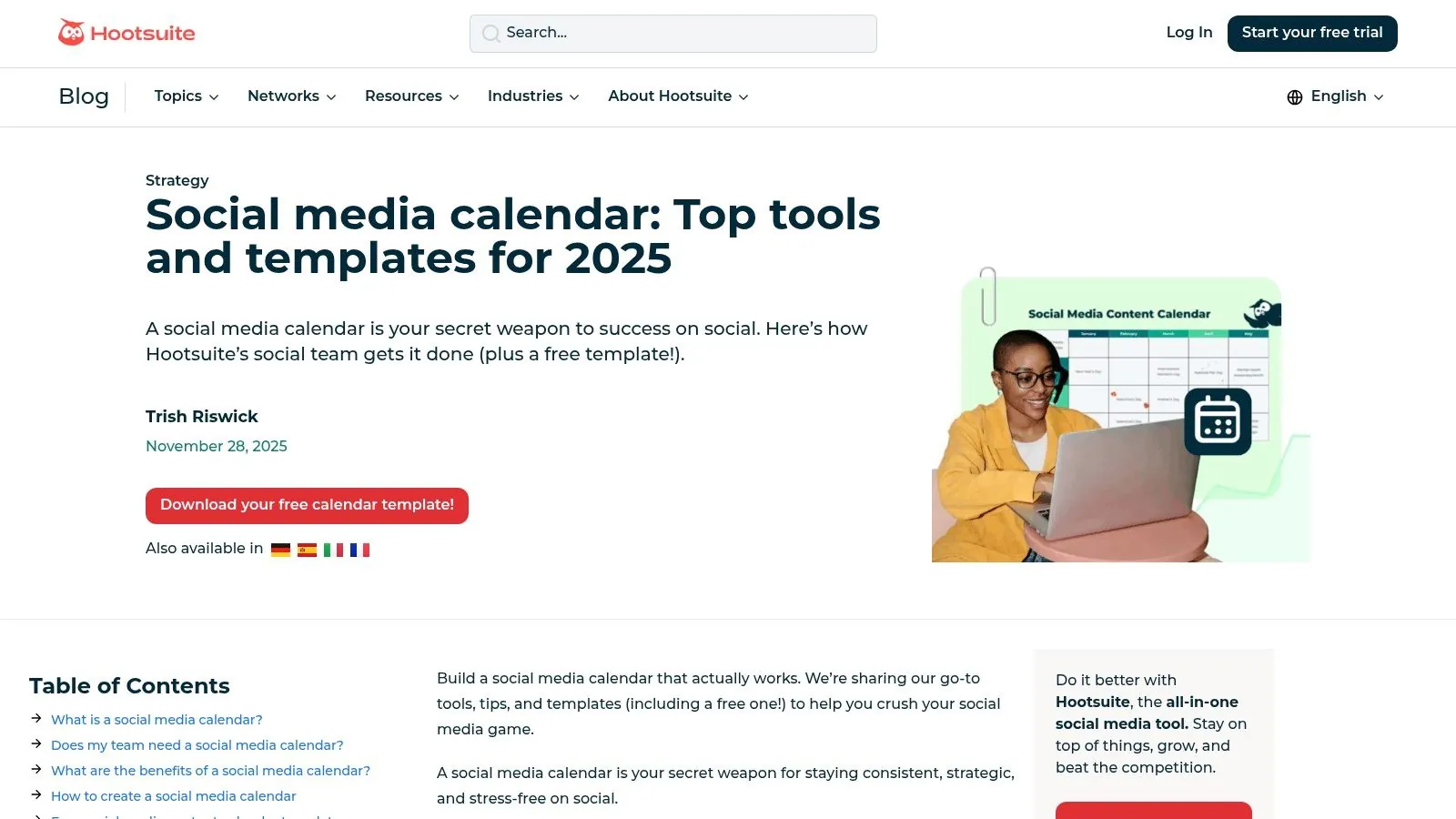
The template's standout feature is its focus on education. Beyond providing columns for copy, assets, and scheduling times, it includes resources that help you think strategically about your posting cadence. This makes it a great onboarding tool for new team members or for brands just beginning to take their social media presence seriously.
Access and Implementation
To acquire this content calendar template free, you must fill out a lead-capture form on Hootsuite's blog. You'll then receive a link to download the files. This approach makes sense, as the template is a natural gateway to their full platform.
- Formats: Google Sheets, Excel.
- Best For: Social media managers, small marketing teams, and businesses needing to establish a consistent social media posting schedule.
- Key Limitation: The spreadsheet format can become a bottleneck for large teams managing multiple brands or complex approval workflows. It lacks the real-time collaboration features of dedicated project management or social media scheduling tools.
This template shines as a foundational tool. It not only helps you organize your posts but also guides your strategy, making it a strong starting point for any team aiming to build a more disciplined social media operation.
**Get the template from Hootsuite**
4. Sprout Social – Free Social Media Calendar Template
Sprout Social offers a Google Sheets-based template designed specifically for social media managers who need to coordinate a complete, end-to-end workflow. Its standout feature is a built-in component checklist that helps ensure every post is fully prepared before going live, covering essentials like copy, media assets, stakeholder approvals, and even defined KPIs for performance tracking. This practical approach helps prevent common mistakes and incomplete posts.
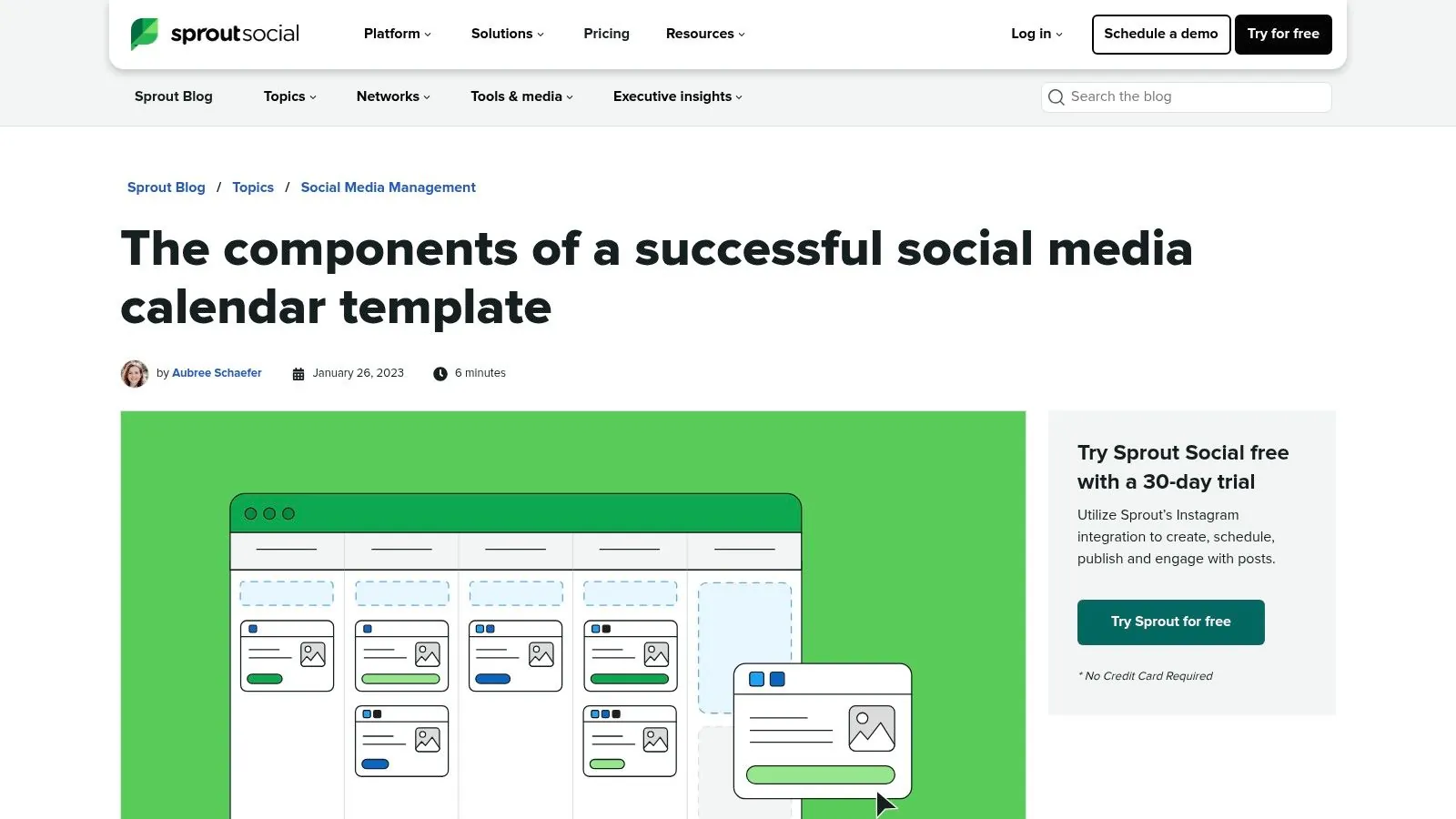
The real value of this template is how it clarifies the anatomy of a "complete" social media entry. For teams juggling multiple channels and collaborators, this guided layout provides a clear structure for gathering all necessary information, from publish dates and times to specific links and channel targets. It’s an effective tool for formalizing a cross-functional approval process within a familiar spreadsheet environment.
Access and Implementation
To receive this content calendar template free, you need to provide your business email and company information through a form on Sprout Social's website. A link to the Google Sheets template is then delivered to your inbox.
- Format: Google Sheets.
- Best For: Social media managers, marketing teams managing multiple channels, and organizations needing a structured approval workflow.
- Key Limitation: Like other spreadsheet-based tools, it can become slow and difficult to manage at a high volume of posts. The lead-gated access also requires sharing contact details.
This template is an excellent choice for teams aiming to bring more discipline to their social media planning without investing in a dedicated software platform. The included explainer helps new users understand how to set up and manage their social media workflow effectively from day one.
**Get the template from Sprout Social**
5. Buffer – Free Content Calendar Template (Notion)
For teams already invested in the Notion ecosystem, Buffer's offering is a standout. Instead of a simple spreadsheet, Buffer shares the actual, battle-tested Notion template their own content team uses for planning. This provides a rare behind-the-scenes look into how a successful marketing team organizes its blog and social media workflow, making it more than just a blank slate. It’s a complete system ready for adoption.
The template is built as a powerful Notion database, pre-configured with calendar and Kanban board views. This allows you to visualize your publishing schedule and track content progress from idea to publication seamlessly. Filters are set up to view content by author, channel, or status, giving managers a quick overview of team workload and campaign progress.
Access and Implementation
Getting this content calendar template free is straightforward. The link leads to a public Notion page with a detailed walkthrough. You simply duplicate the template into your own Notion workspace to get started. It works perfectly on Notion's free plan.
- Format: Notion Template.
- Best For: Content teams using Notion, marketers who want a unified blog and social media calendar, and those looking for a proven system to adapt.
- Key Limitation: This template is exclusively for Notion users. If your organization doesn't use Notion or has policies against it, this option won't be a fit. It requires a learning curve if you are new to Notion's database properties.
Ultimately, Buffer provides a sophisticated and integrated solution that goes beyond basic scheduling. The included guidance on how they use content pillars and structure their workflow adds immense value, helping you build a more strategic and organized process.
**Get the template from Buffer**
6. Notion – Free Content Calendar Templates (Marketplace collection)
Notion has become a default operating system for many creators and teams, and its template marketplace is a treasure trove for content planning. Instead of a single official template, Notion offers a curated category of hundreds of free content and editorial calendar templates built by the community. This approach provides incredible variety, catering to specific needs from solo YouTubers to multi-channel marketing agencies.
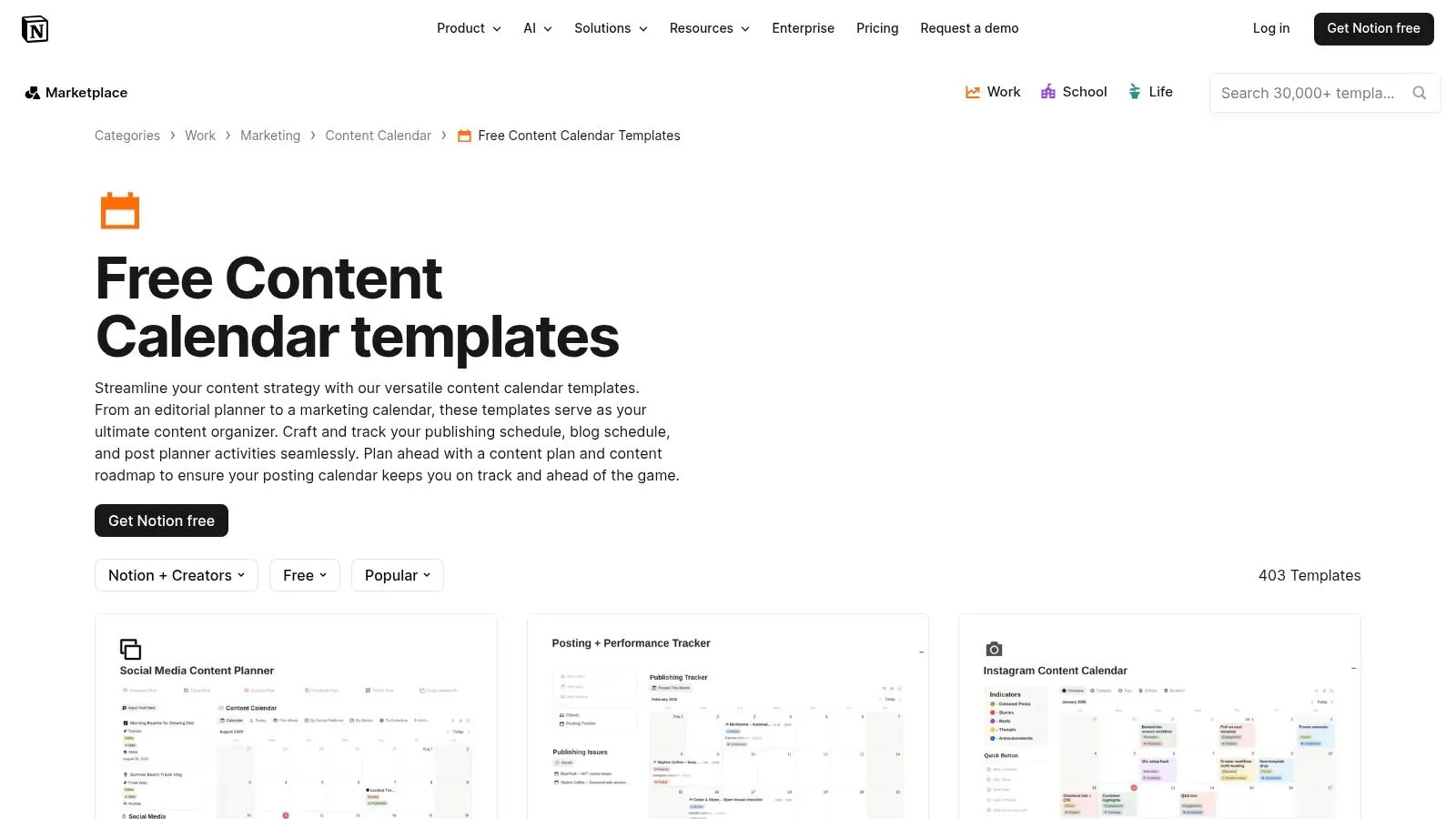
The primary advantage here is flexibility. Because these templates are built on Notion’s block-based system, they often come with pre-configured database views like calendars, Kanban boards, timelines, and galleries. This allows you to visualize your content pipeline in multiple ways without any extra setup. You can find a layout that almost perfectly matches your workflow and then tweak it to perfection.
Access and Implementation
Accessing any content calendar template free from the marketplace is straightforward. You browse the collection, find one you like, and duplicate it into your own Notion workspace with a single click.
- Formats: Native Notion pages with integrated databases.
- Best For: Individuals and teams already using Notion, creators who need visual flexibility (board, calendar, list), and those who want an all-in-one workspace.
- Key Limitation: The quality and complexity of templates can vary significantly since they are user-generated. Some may be overly simple, while others might be too complex for a beginner to manage effectively.
Ultimately, Notion's marketplace is an excellent resource for finding a highly customized and visually dynamic content calendar without needing to build one from scratch. The ability to experiment with different layouts quickly is a major benefit for agile teams.
**Get the templates from Notion**
7. Asana – Free Social Media/Content Calendar Template
For teams already working within the Asana ecosystem, their prebuilt content calendar template is a powerful choice for centralizing content planning directly alongside other project tasks. This isn't just a spreadsheet; it's an integrated project environment designed for active collaboration, complete with assignments, due dates, and approval workflows. It moves beyond simple planning and into active project execution.
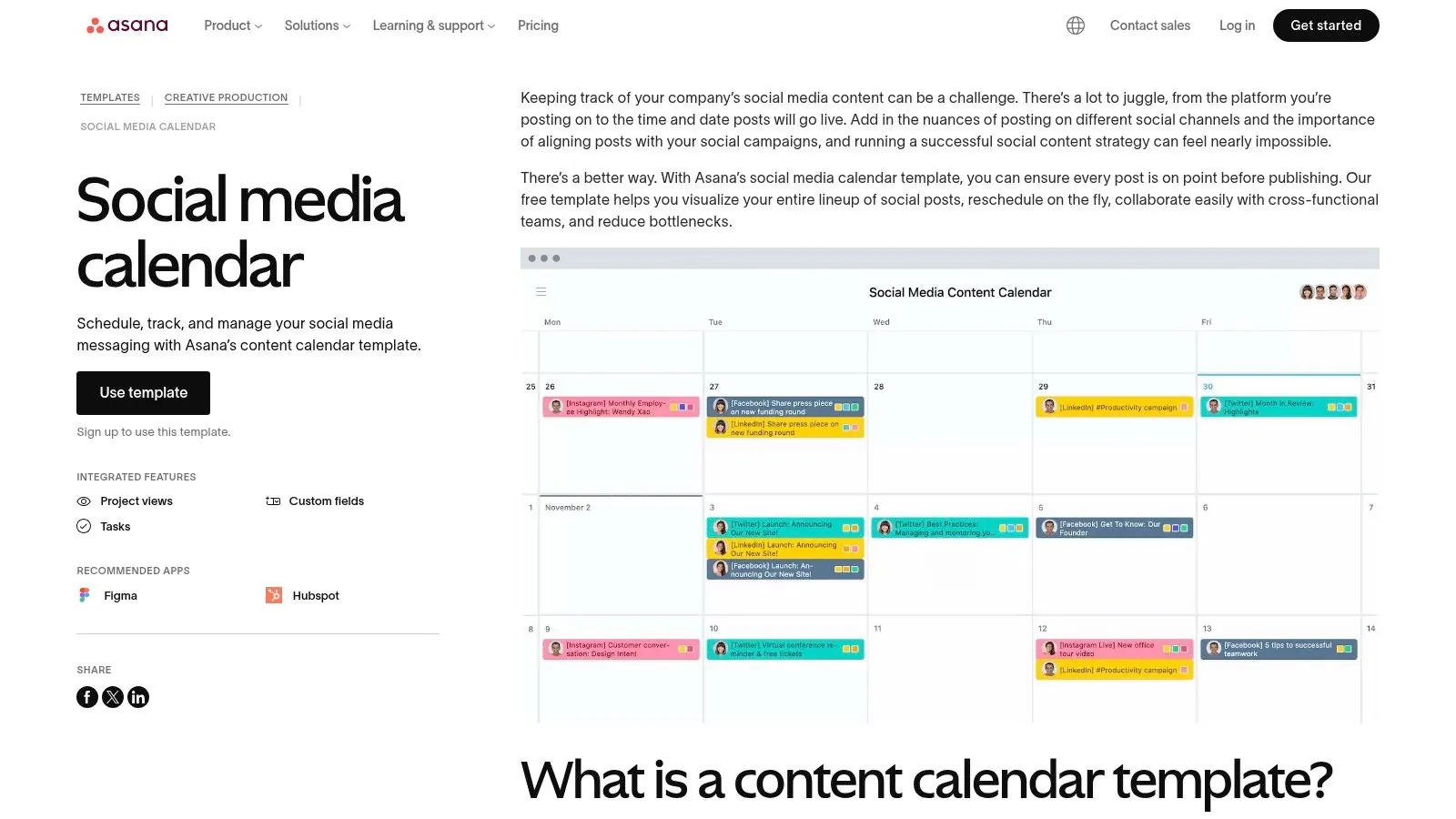
The template's main advantage is its ability to manage the entire content lifecycle. You can map out posts on the calendar view, assign tasks to writers or designers, and set up dependencies so that a proofreader is only notified after the first draft is complete. This makes it exceptionally useful for managing complex content funnels where multiple stakeholders are involved in bringing a single piece of content to life.
Access and Implementation
To use this content calendar template free, you need an Asana account. The template can be accessed directly from Asana’s template library and added to your workspace with a single click.
- Formats: Asana Project Template.
- Best For: Marketing teams already using Asana, agencies managing multiple client content streams, and groups requiring clear approval processes and ownership tracking.
- Key Limitation: This can be overkill for individual creators or very small teams with simple planning needs. Some of the more advanced features, like custom field locking or Portfolios, are tied to Asana's paid tiers, and the initial setup requires a bit more learning than a basic spreadsheet.
Ultimately, this template is the logical next step for teams that have outgrown spreadsheets and need a system that actively manages workflows, not just lists dates.
**Get the template from Asana**
8. Trello – Editorial/Content Calendar Templates
Trello takes a visual, Kanban-based approach to content planning with its ready-made editorial calendar templates. Instead of rows and columns, your content pipeline is organized into lists representing stages like ‘Ideas,’ ‘In Progress,’ and ‘Published.’ Each piece of content is a card that moves across the board, making it an intuitive system for teams that appreciate a clear, visual workflow. This is a great alternative for those who find spreadsheets restrictive or overly complex.
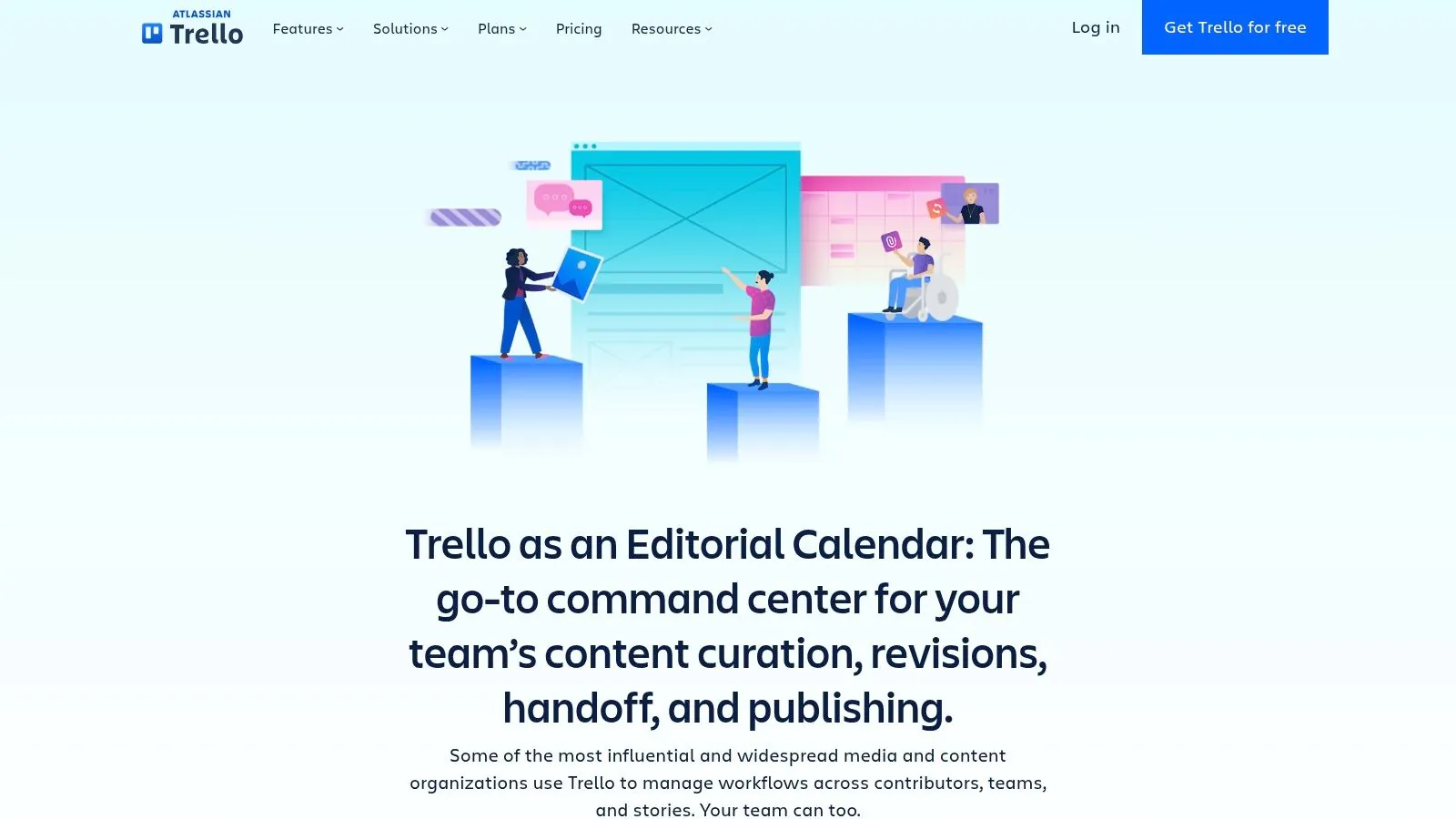
The primary advantage of using Trello is its simplicity and adaptability. The drag-and-drop interface is fast to learn, and cards can hold checklists, attachments, due dates, and conversations. With the Calendar Power-Up enabled, you can switch from the Kanban board to a traditional calendar view, giving you two ways to visualize your schedule. Its powerful Butler automation can also handle repetitive tasks, like moving a card when a due date is marked complete.
Access and Implementation
To use this content calendar template free, you simply need a Trello account. You can copy the template board directly into your workspace from their templates gallery and start customizing it immediately.
- Formats: Trello Board (with Calendar Power-Up).
- Best For: Agile marketing teams, visual planners, and content creators who need a simple but effective project management tool.
- Key Limitation: The free plan limits you to 10 boards per workspace and a restricted number of Power-Ups. More advanced views like Timeline and Dashboard, which are useful for long-term planning, require a paid subscription.
Trello’s template is an excellent choice for teams seeking a more dynamic and collaborative planning environment than a static spreadsheet can offer. The robust integration ecosystem further extends its capabilities, connecting it to tools like Slack and Google Drive.
**Get the templates from Trello**
9. Airtable – Social Media/Content Calendar Template (base)
Airtable’s template moves beyond the limitations of traditional spreadsheets by blending their familiar grid-style interface with the power of a database. This "base" is designed specifically for social media content planning, providing a structured yet flexible environment for teams managing multiple channels and a high volume of visual assets. Its ability to link records, such as campaigns to individual posts, creates a relational framework that simple sheets cannot replicate.
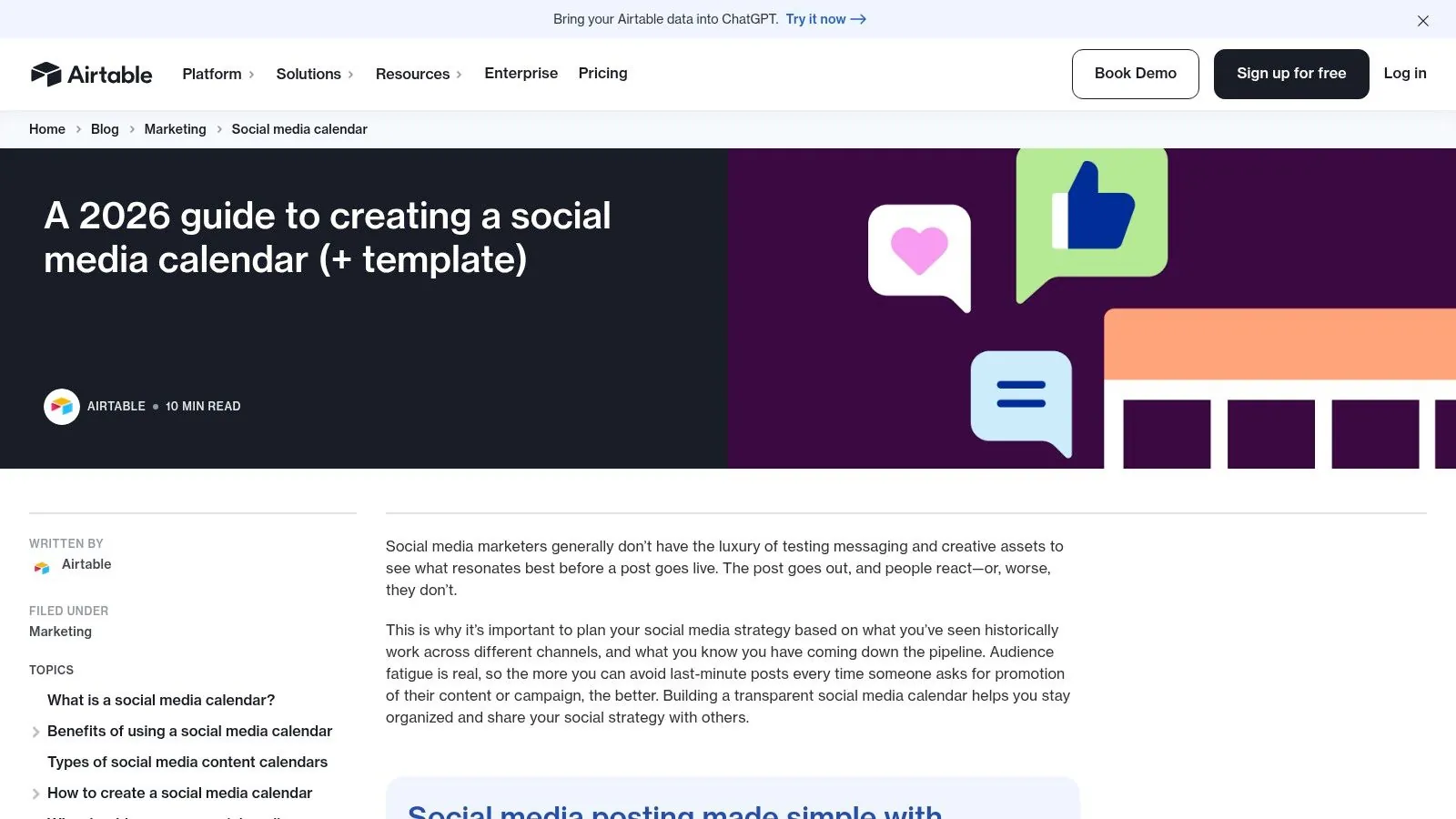
The template's key advantage is its multiple "views." You can plan in a standard grid, visualize your schedule on a calendar, review visual assets in a gallery, or track progress on a Kanban board without duplicating data. This makes it an ideal content calendar template free for teams who need to see the same information from different perspectives, like a strategist viewing the monthly plan and a creator focusing on daily tasks.
Access and Implementation
To use this template, you must sign up for an Airtable account (a free plan is available) and then copy the base into your workspace. The template is immediately usable but is also fully customizable, allowing you to add new fields, modify dropdown options, and build custom automations.
- Format: Airtable Base.
- Best For: Asset-rich teams, multi-brand agencies, and marketers who need more power than a spreadsheet but less complexity than a full project management system.
- Key Limitation: The free plan has record and attachment space limits. Teams with extensive historical data or large media files may need to upgrade to a paid plan to avoid hitting these caps.
Ultimately, Airtable provides a scalable solution that grows with your team. It starts simple but offers a clear path to building powerful, automated workflows for your content operations.
**Get the template from Airtable**
10. ClickUp – Content Calendar Templates
For teams seeking to centralize content planning within a broader work management platform, ClickUp offers a powerful solution. Its templates go beyond simple spreadsheets, providing a dynamic environment with prebuilt statuses, custom fields for content types, and integrated calendar views. This approach is ideal for teams wanting to connect content tasks directly to larger projects and goals, all within a single, extendable workspace.
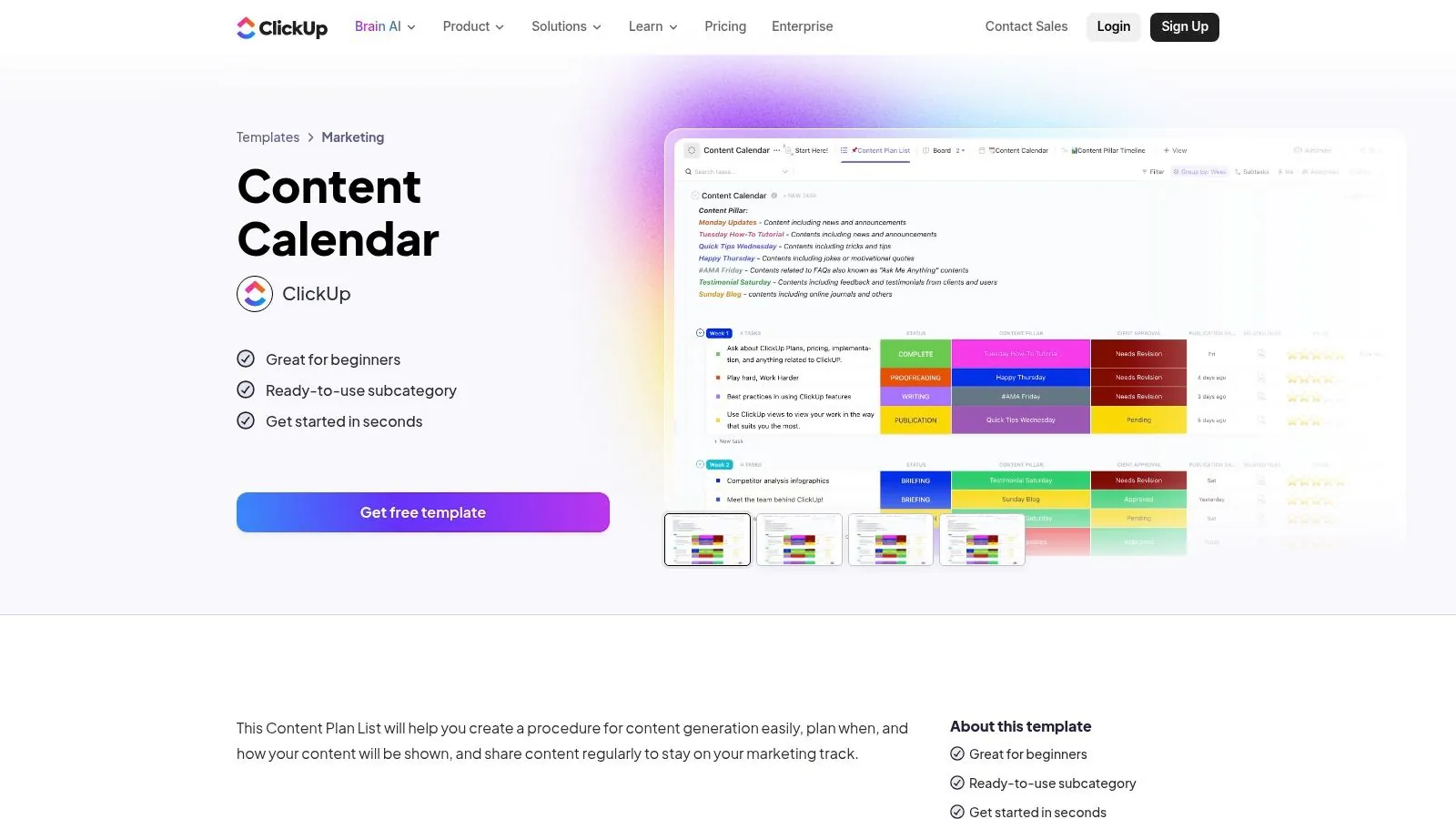
The primary advantage of ClickUp is its flexibility. You can view your content pipeline as a calendar, a Kanban board, or a simple list, switching between views instantly. Because it’s part of a full project management tool, you can assign tasks, set deadlines, and use automations to move content through stages, such as automatically notifying an editor when a draft is ready for review.
Access and Implementation
To use this content calendar template free, you need a ClickUp account. You can sign up for their robust free plan and then add the template directly from the platform's template library into your workspace.
- Format: Native ClickUp workspace (with Calendar, Board, and List views).
- Best For: Integrated marketing teams, agencies managing multiple clients, and anyone wanting to consolidate task management and content operations.
- Key Limitation: New users may face a learning curve due to the platform's extensive features. Some advanced automations and reporting tools are also locked behind paid tiers, though the free plan is sufficient for many small teams.
Ultimately, ClickUp is a scalable option that can grow with your team, evolving from a simple content calendar into a complete operational hub for your marketing department.
**Get the templates from ClickUp**
11. CoSchedule – Forever-Free Marketing Calendar
CoSchedule offers a unique alternative to static files by providing a "forever-free" marketing calendar application. This is not a downloadable template but a live, interactive software platform designed for agile planning. It excels at giving solopreneurs and small teams a real-time, drag-and-drop calendar experience to organize blog posts, social media, and email campaigns in one unified view. For those wanting to graduate from spreadsheets without committing to a paid tool, CoSchedule is a perfect fit.
The key advantage is its functionality as an actual application. You can directly schedule social media posts across various platforms, reschedule content simply by dragging it to a new date, and collaborate with other users on the free plan. This provides a dynamic workflow that a simple spreadsheet cannot match, bridging the gap between a basic template and a full-scale project management suite.
Access and Implementation
To use this content calendar template free of charge, you must sign up for an account on the CoSchedule website. The free tier is perpetually available but comes with certain limitations on features and usage compared to their paid plans.
- Format: Web-based software application.
- Best For: Solopreneurs, small marketing teams, and content creators who need a unified calendar for different content types and basic social scheduling.
- Key Limitation: The free version has caps on the number of social profiles you can connect and limits access to advanced features like social automation (ReQueue) and team workflow management. You are also locked into their specific ecosystem.
CoSchedule's free marketing calendar is an excellent entry point into dedicated content planning software. It helps you centralize your strategy and visualize your entire marketing timeline without any initial financial investment.
**Get the calendar from CoSchedule**
12. Later – Free Social media Content Calendar Template
Later, a platform primarily known for its social media scheduling tools, also provides a highly practical content calendar template free of charge. This downloadable Google Sheets template is designed for social media managers who want a straightforward system for brainstorming themes, planning around key events, and maintaining a consistent posting cadence across channels. Its simplicity is its greatest asset, offering a functional framework that works well even if you don't use Later’s paid scheduling software.
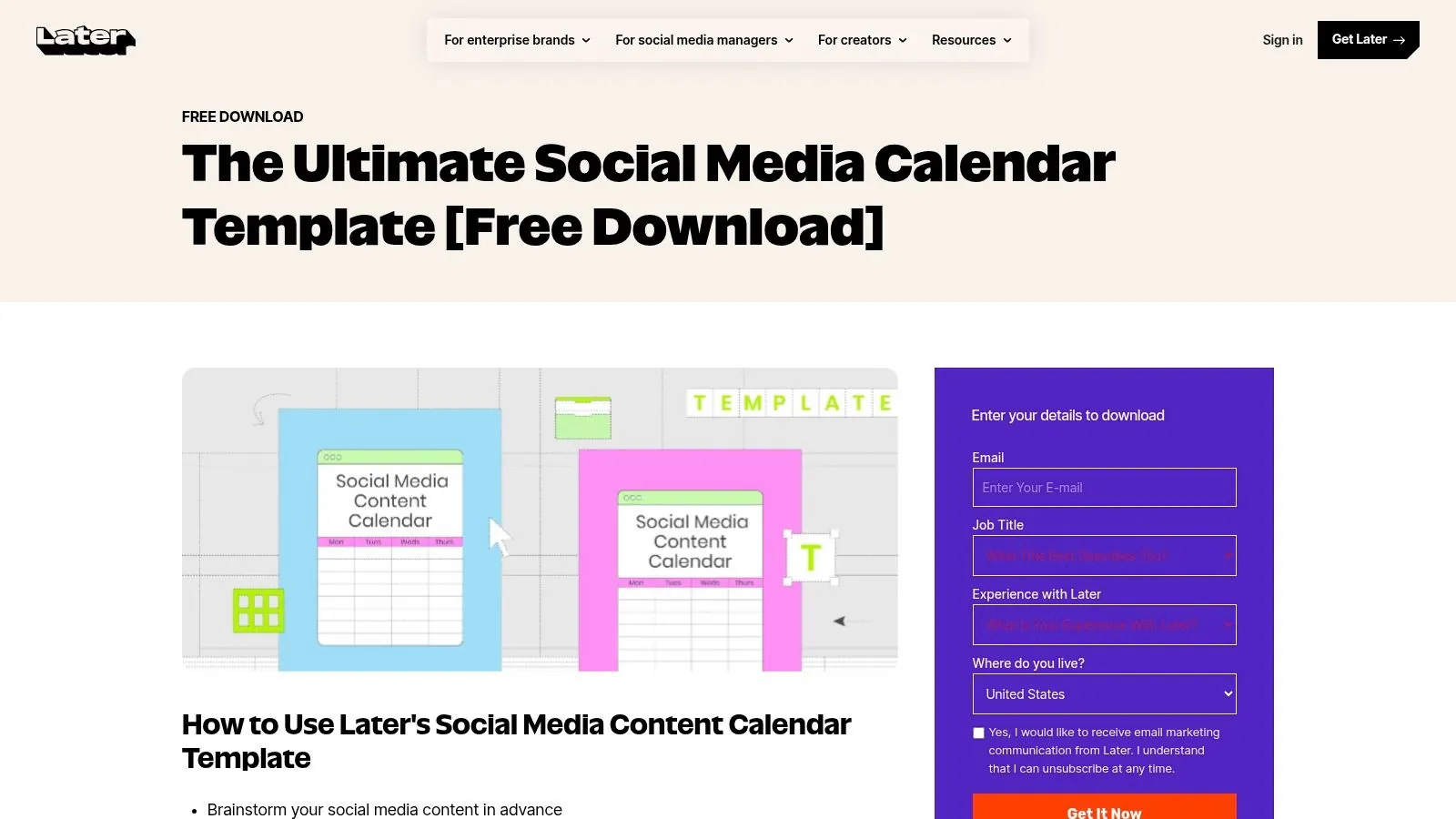
The template includes pre-built monthly and weekly views, with dedicated sections for setting goals, defining content pillars, and outlining campaign notes. It stands out by including quick-start instructions and brainstorming prompts directly within the sheet, helping users get organized immediately. This makes it an excellent choice for individuals or small teams just starting to formalize their social media strategy.
Access and Implementation
Access to this template is usually straightforward. While some pages on their site may require an email for access, it is often available ungated directly from their resources page. Once downloaded, you gain full control over the Google Sheet.
- Format: Google Sheets.
- Best For: Social media managers, content creators, and small business owners looking for a simple, no-frills planning tool.
- Key Limitation: The template is entirely manual. It lacks built-in approval workflows or automation capabilities beyond what is native to Google Sheets, making it less suitable for larger teams requiring complex collaboration features.
Ultimately, Later’s offering is a fantastic, accessible starting point for anyone needing to bring structure to their social media planning. It provides a solid foundation that can be easily adapted to any workflow or set of tools.
**Get the template from Later**
Top 12 Free Content Calendar Templates Comparison
| Product | Core features | UX & Quality ★ | Value / Pricing 💰 | Target audience 👥 | Unique selling point ✨ |
|---|---|---|---|---|---|
| 🏆 SynthAI | Coordinated suite of 10 specialist AIs + Nexus orchestration; deep 2‑way integrations | ★★★★★ | 💰 Credit-based tiers (~$39–$149+/mo); 7–14d free trial | 👥 Startups → Agencies → Enterprise | ✨ End-to-end automation + visual debugger & SOC 2 |
| HubSpot – Editorial Templates | Google Sheets/Excel editorial calendar + how‑to guide | ★★★ | 💰 Free (lead-gated) | 👥 Blog/SEO teams wanting spreadsheets | ✨ Familiar SEO fields & Google Calendar import |
| Hootsuite – Social Template | Sheets/Excel social calendar + cadence checklists | ★★★ | 💰 Free (lead-gated) | 👥 Social teams starting cadence planning | ✨ Posting-frequency guidance & onboarding tips |
| Sprout Social – Template | Google Sheets template with approvals & KPIs fields | ★★★ | 💰 Free (may be gated) | 👥 Cross-functional social teams | ✨ Checklist for complete post anatomy |
| Buffer – Notion Template | Notion database with calendar & board views; walkthrough | ★★★★ | 💰 Free (Notion account required) | 👥 Teams using Notion for content + social | ✨ Battle-tested Buffer workflow in Notion |
| Notion – Marketplace Collection | 300+ free templates (calendar, board, timeline) | ★★★★ | 💰 Free (varied quality) | 👥 Creators & teams experimenting layouts | ✨ Massive variety & instant duplication |
| Asana – Content Calendar | Prebuilt project with custom fields, dependencies | ★★★★ | 💰 Freemium (some premium features) | 👥 Teams needing approval flows & assignments | ✨ Strong collaboration + drag‑and‑drop reschedule |
| Trello – Editorial Templates | Kanban cards + calendar/timeline power‑ups | ★★★★ | 💰 Freemium (power‑ups may require paid plan) | 👥 Cross-discipline teams adopting Kanban | ✨ Fast adoption + Butler automations |
| Airtable – Calendar Base | Database-like base: calendar, gallery, Kanban, automations | ★★★★ | 💰 Freemium (record/attachment limits) | 👥 Multi-brand & asset‑rich teams | ✨ Scales beyond sheets with DB power |
| ClickUp – Templates | Prebuilt statuses, custom fields, calendar/list/board | ★★★★ | 💰 Freemium (advanced features paid) | 👥 Teams consolidating tasks & content ops | ✨ Highly extendable workspace + automations |
| CoSchedule – Forever-Free Calendar | Live calendar app with social scheduling & basic analytics | ★★★★ | 💰 Free tier available; paid upgrades | 👥 Teams wanting a calendar-first app | ✨ True no-file calendar + drag‑drop scheduling |
| Later – Social Template | Google Sheets for themes, pillars, campaign notes | ★★★ | 💰 Free (often ungated) | 👥 Social planners brainstorming themes | ✨ Simple, ready-to-use brainstorming template |
From Template to Automated Workflow: The Next Step in Content Efficiency
We’ve explored a dozen powerful options for a content calendar template free of charge, from the robust spreadsheets of HubSpot and Hootsuite to the dynamic project management boards of Trello, Asana, and ClickUp. You’ve seen how Notion and Airtable offer a database-driven approach for complex workflows, while specialists like Later and Buffer provide focused social media solutions. Each of these tools can single-handedly bring structure to your content strategy, replacing scattered notes and last-minute scrambles with a clear, actionable plan.
The journey you've taken through this guide is the foundational step toward operational excellence. Selecting and implementing a calendar is about more than just organization; it’s about establishing a single source of truth that aligns your entire team. It ensures every piece of content has a purpose, a deadline, and a designated owner.
Making the Right Choice for Your Team
Choosing the right starting point is crucial. Your decision should be guided by your team's current processes, technical comfort, and primary content channels.
- For Teams Living in Spreadsheets: If your workflow is already centered around Google Sheets or Excel, the templates from HubSpot or Hootsuite are a natural fit. They require minimal onboarding and offer immediate familiarity, making them perfect for getting organized quickly without disrupting existing habits.
- For Visual, Project-Oriented Teams: If your team thinks in terms of tasks, stages, and cards on a board, the templates from Trello, Asana, or ClickUp are your best bet. These platforms turn your content plan into an interactive project board, ideal for managing multi-step approval processes and cross-functional collaboration.
- For Data-Driven Power Users: For those who need to connect content to larger business objectives and build custom views, Airtable and Notion are the clear winners. They are more like databases than simple calendars, allowing you to link content assets to product launches, marketing campaigns, and performance metrics in a highly flexible way.
- For Social Media Specialists: If your primary focus is on social channels, tools like Later, Buffer, and Sprout Social provide templates specifically designed for the unique cadence and format requirements of platforms like Instagram, TikTok, and LinkedIn.
Remember, the best content calendar template free of charge is the one your team will actually use consistently. Start with what feels most intuitive and aligns with your most pressing organizational needs. A simple, consistently used Google Sheet is far more valuable than a complex, neglected Notion database.
Beyond the Template: The Automation Endgame
Adopting a template is a critical milestone, but it is not the final destination. The true potential of a well-organized content calendar is unlocked when it ceases to be a static document and becomes the command center for an automated content engine. Once you have a system for planning the work, the next logical step is to automate the execution of that work.
Imagine your approved Trello card for a blog post not only signaling that it's ready to publish but also triggering an AI to:
1. Draft the corresponding social media posts for LinkedIn, Twitter, and Facebook.
2. Generate a compelling email announcement for your newsletter subscribers.
3. Create on-brand visual assets for each social channel.
4. Schedule everything to be published at the optimal times.
This is where the manual effort of content coordination gives way to intelligent automation. Your role shifts from a task manager to a high-level strategist. Instead of spending hours adapting and scheduling content, your team can focus its valuable time on analyzing performance data, engaging with your community, and developing the next big creative idea. The calendar becomes the trigger, and an AI-powered system like SynthAI becomes the execution team, working 24/7 to bring your strategy to life. This integration creates a powerful cycle where planning, execution, and analysis flow into one another, driving efficiency and growth.
Ready to connect your new content calendar to an AI team that executes on your strategy? SynthAI integrates with your favorite tools to automate the repetitive tasks of content creation and distribution. Stop just planning your content-let SynthAI bring it to life, so you can focus on what truly matters.
Ready to Transform Your Business with AI?
Build your AI team and start automating your marketing today.