The Top 12 AI Tools for Business Automation in 2026
SynthAI Team
Content Team
In 2026, the question isn't whether to use AI, but how to deploy it for maximum impact. Businesses are moving past simple chatbots and email schedulers, seeking integrated ai tools for business automation that can handle complex, multi-step workflows across marketing, sales, and operations. The primary goal is to reclaim valuable time, reduce operational costs, and execute core strategies with a level of consistency that is difficult for human teams to maintain.
However, navigating the crowded market of specialized apps, iPaaS platforms, and emerging all-in-one solutions can be overwhelming. Choosing the right technology stack is a critical decision that directly impacts efficiency and scalability. This guide is designed to cut through the noise and provide a clear, practical roadmap.
We will explore 12 of the most powerful and effective automation platforms available today, from enterprise-grade RPA solutions to groundbreaking "AI teams-in-a-box" like SynthAI. For each tool, we provide a detailed analysis of its core strengths, ideal use cases, potential limitations, and pricing considerations to help you find the best fit for your specific needs. This resource is built to be scannable and actionable, including screenshots and direct links for every platform listed. Our objective is to equip you with the insights needed to build a smarter, more efficient business by leveraging the right automation technology. We'll show you how to connect disparate systems and truly automate entire business functions, not just isolated tasks.
1. SynthAI
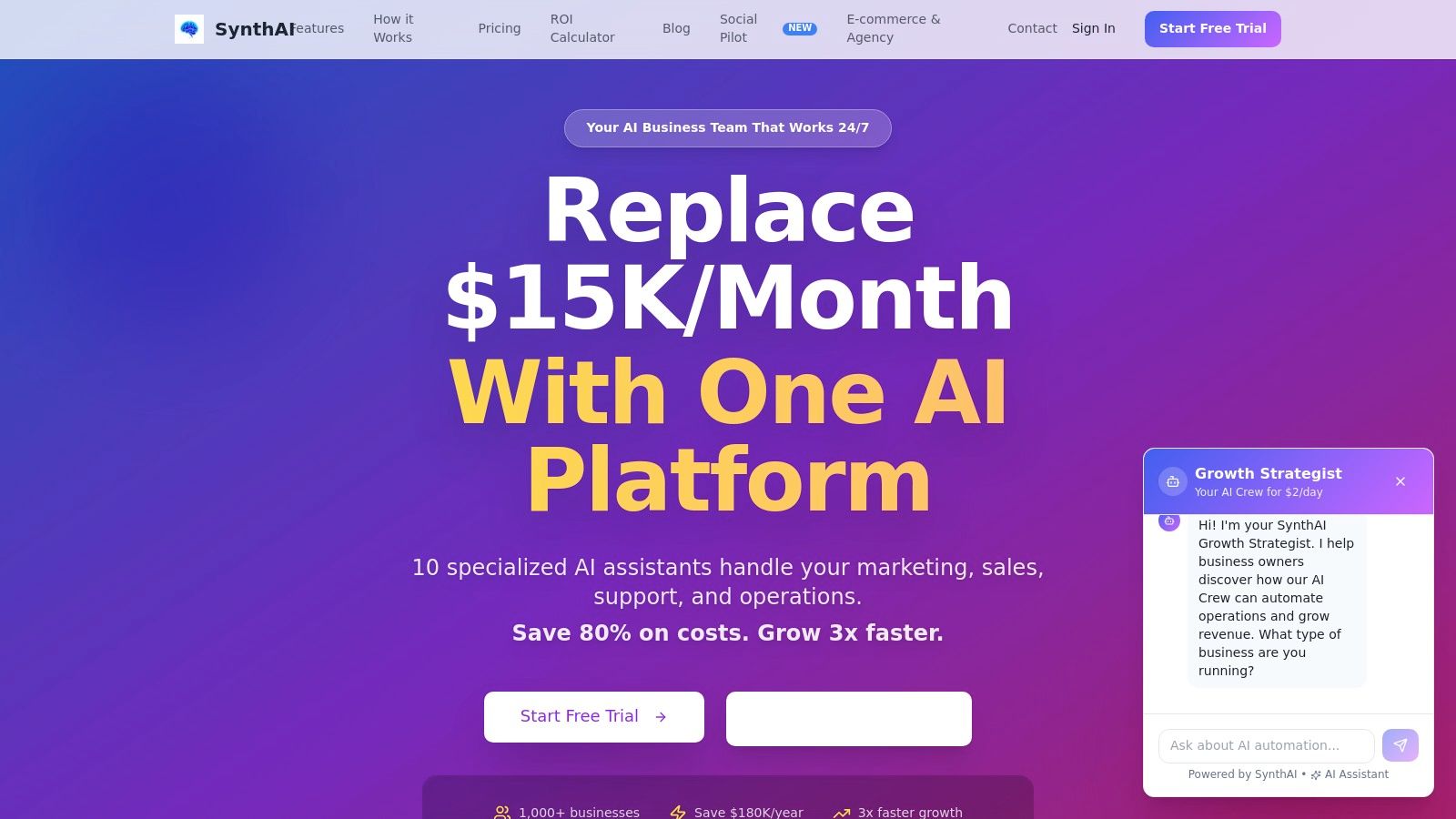
SynthAI presents a compelling, unified solution in the landscape of ai tools for business automation, positioning itself as a comprehensive platform designed to replace a fragmented tech stack and costly freelance teams. It operates as a coordinated team of 10 specialized AI assistants, each handling a core business function from SEO and marketing to sales and operations. This integrated approach, orchestrated by a central AI coordinator named Nexus, eliminates the complexity of managing disparate tools and ensures consistent, 24/7 execution.
The platform is engineered for rapid implementation; setup takes just a few minutes, allowing businesses to connect their essential tools like Shopify, Google Ads, HubSpot, and Slack almost instantly. Users can then define high-level goals in natural language, and SynthAI’s pre-built workflows automate the creation of social media calendars, email campaigns, landing pages, and performance reports. This seamless integration and automation framework is its key differentiator, moving beyond single-task AI to deliver end-to-end business processes.
Key Features & Use Cases
- Coordinated AI Team: Instead of a single generalist AI, SynthAI deploys specialists like Aura (SEO & Ads), Lumen (Email), and Pax (Support), all managed by Nexus. This ensures deep expertise is applied to each task, from optimizing ad spend to resolving customer tickets.
- Rapid Content Generation: The AI Content Creator and Social Pilot features are standout capabilities. A user can paste a single URL or image, and the system generates a suite of platform-ready social posts for networks like Meta, X (Twitter), and LinkedIn, complete with optimized copy, hashtags, and AI-generated images.
- Enterprise-Grade Infrastructure: SynthAI is built for serious business use, offering SOC 2 compliance for security, a Visual Debugger to trace AI decision-making, and two-way data sync with CRMs and analytics platforms.
- Measurable ROI Tracking: The platform provides a real-time analytics dashboard that connects AI-driven activities directly to core business metrics like ROI, MRR, customer churn, and overall revenue impact.
Who is SynthAI Best For?
SynthAI is an ideal fit for e-commerce founders, marketing agencies, and SaaS growth teams looking to consolidate their toolset and automate repetitive, high-volume tasks. Its ability to replace a dozen subscriptions and multiple freelancers offers a clear value proposition, with customer testimonials frequently citing annual savings in the tens of thousands.
- Pros:
- All-in-One Platform: Consolidates marketing, sales, content, and support, drastically reducing tool subscription costs and operational complexity.
- Deep Integrations: Connects seamlessly with over 5,000 apps via Zapier, plus native integrations with major platforms like Shopify, Meta, and HubSpot.
- Fast Implementation: Go from sign-up to executing automated campaigns in hours, not weeks.
- Proven ROI: Strong social proof and clear analytics link platform activities to measurable business growth.
- Cons:
- Human Oversight Still Needed: While powerful, the AI-generated content may require human review for brand-specific nuance and high-level strategic alignment.
- Usage-Based Cost Scaling: The credit-based pricing model means costs can increase with heavy usage, particularly for high-volume video generation or extensive campaigns.
Pricing
SynthAI offers a tiered subscription model based on credits and the number of active AI assistants. Plans start with Starter (from ~$39/mo), move to Pro (a popular choice in the ~$69–$97/mo range), and Ultimate (from ~$97–$149/mo). Custom Enterprise plans are also available. A free trial is offered, typically for 7-14 days, with no credit card required.
Website: https://www.getsynthai.com
2. Zapier
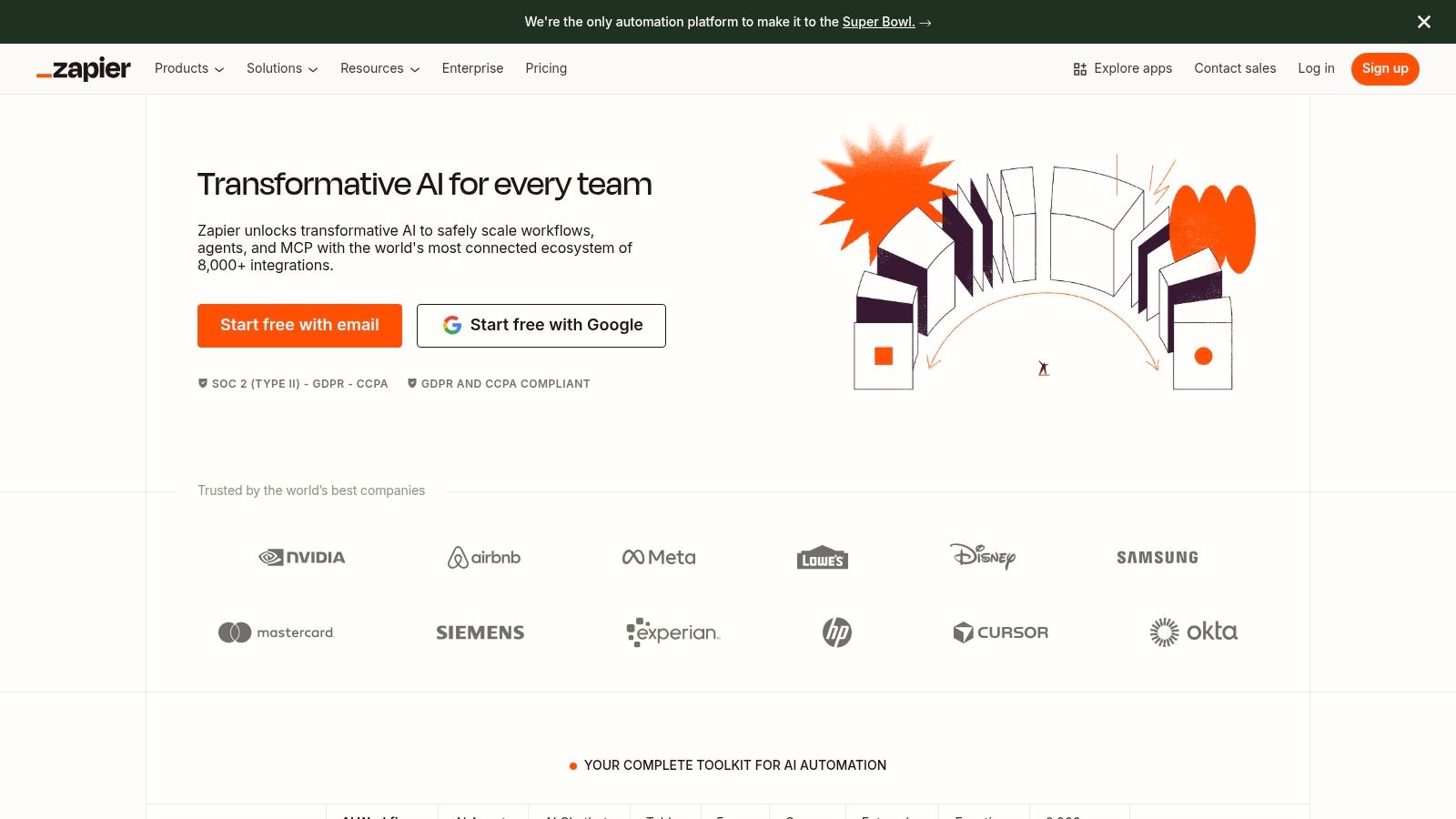
Zapier is a cornerstone of no-code automation, connecting thousands of applications to create automated workflows, known as "Zaps." It has evolved from a simple "if this, then that" tool into a robust platform for business process automation, now deeply integrating AI capabilities. This allows teams to build sophisticated, AI-driven workflows without writing a single line of code, making it an essential tool for operations, marketing, and sales teams looking to streamline their processes.
Its primary strength lies in its vast library of over 8,000 app integrations, which is unparalleled in the no-code space. Zapier’s recent addition of AI features, such as AI Copilot and AI fields, empowers users to embed intelligent decision-making directly into their Zaps. For example, you can automatically draft a personalized sales outreach email based on a new lead’s information from your CRM, have AI analyze the sentiment of a customer support ticket, and then route it to the appropriate team.
Key Features and Use Cases
- Massive Integration Library: Connect tools like Shopify, Salesforce, Slack, and Google Sheets to create seamless data flows.
- Built-in AI Tools: Use the AI Copilot to generate workflow ideas or employ AI fields to summarize text, classify data, or format content within a Zap.
- Practical Use Case: A marketing team can create a Zap that triggers when a new lead fills out a form. Zapier's AI can then enrich this lead data, draft a personalized follow-up email, and add the lead to a specific Mailchimp audience based on their industry.
| Pros | Cons |
|---|---|
| Extremely easy to start with a huge template library. | Pricing can escalate quickly with high task volume. |
| Excellent for non-technical teams to build and manage. | Limited for complex data transformation vs. dev tools. |
Pricing and Implementation
Zapier offers a tiered pricing model, including a free plan for basic needs. Paid plans start at around $19.99/month (billed annually) and scale based on the number of tasks and advanced features required.
Website: https://zapier.com
3. Make (formerly Integromat)
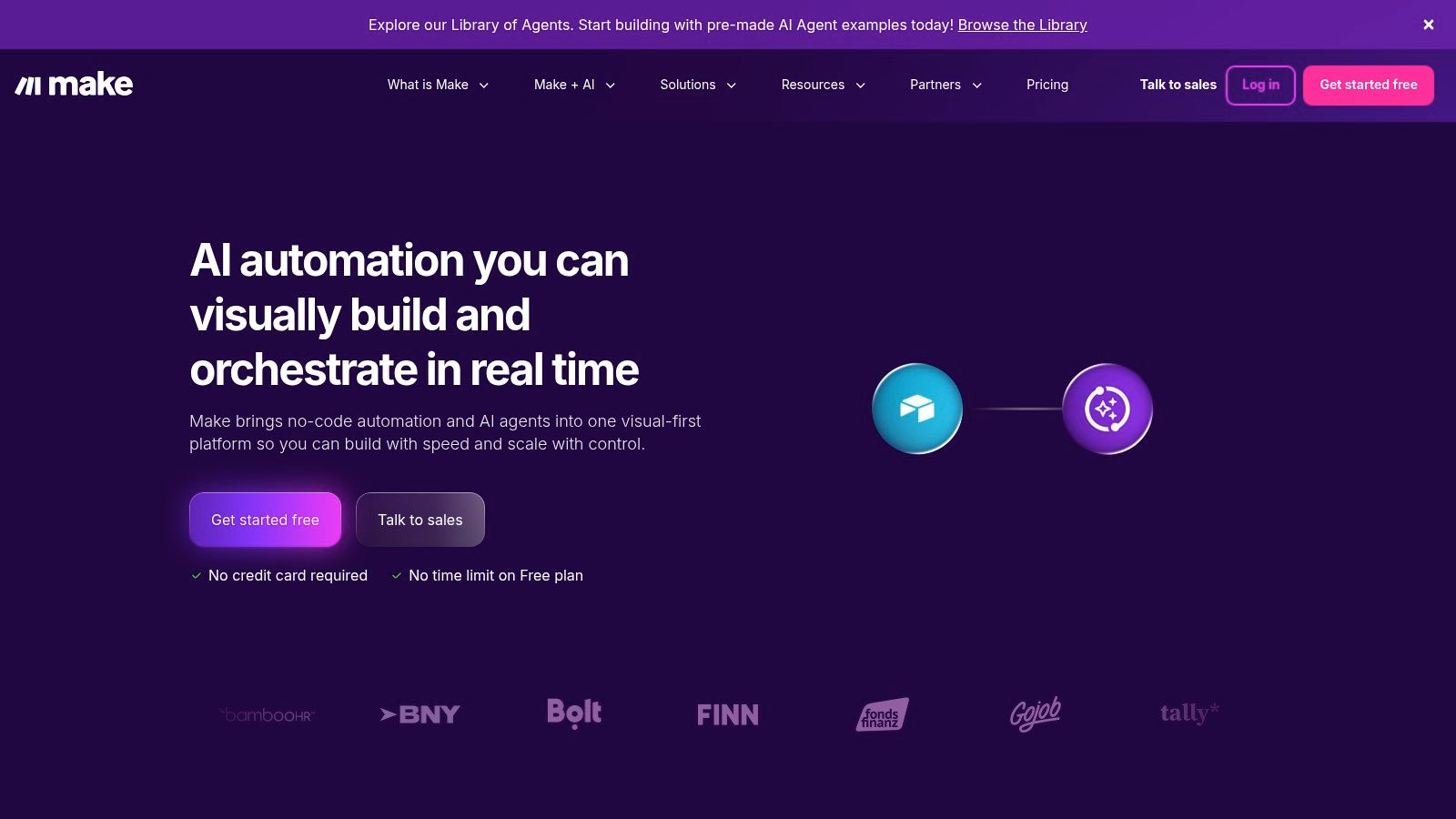
Make, formerly known as Integromat, is a powerful visual automation platform that excels where complex, multi-step workflows are required. It allows users to build intricate "scenarios" with a drag-and-drop interface, offering granular control over data manipulation and conditional logic that appeals to more technical users in operations, marketing, and analytics. Make is one of the most versatile AI tools for business automation, enabling fine-grained control over how data moves between applications.
Its key differentiator is its visual builder, which clearly maps out every step, filter, and router in a workflow. This makes it easier to design and debug complex processes. With the recent integration of Make + AI and the MCP Server for agentic use cases, users can now build sophisticated automations that don't just move data but also transform and analyze it intelligently, such as parsing unstructured email content or routing leads based on complex, AI-driven criteria.
Key Features and Use Cases
- Visual Workflow Builder: Design complex automations with branching logic (routers) and filters for precise control.
- Deep App Control: Offers over 3,000 apps with extensive control over API calls and data payload mapping.
- Practical Use Case: An ecommerce team can build a scenario that triggers on a new Shopify order. Make's AI can then check for fraud signals, calculate the customer's lifetime value from a database, and add a conditional tag in Shopify to alert the fulfillment team for high-value orders.
| Pros | Cons |
|---|---|
| Excellent for complex multi-step data flows. | Learning curve for non-technical users can be steep. |
| Competitive entry pricing and a generous app catalog. | Credit-based billing requires planning for usage spikes. |
Pricing and Implementation
Make provides a free forever plan that is quite generous for testing and small-scale projects. Paid plans start at around $9/month (billed annually), with pricing scaling based on the number of operations (credits) used.
Website: https://www.make.com
4. Microsoft Power Automate
Microsoft Power Automate is a robust, low-code automation platform deeply woven into the Microsoft 365, Dynamics, and Azure ecosystems. It excels in environments standardized on Microsoft technologies, offering powerful tools for creating cloud-based workflows and sophisticated Robotic Process Automation (RPA). It has become a key player in the AI tools for business automation space by leveraging Microsoft's AI Builder and Azure AI services, allowing organizations to automate complex processes that require cognitive capabilities.
Its core strength lies in its seamless integration with tools like SharePoint, Teams, and Excel, making it the go-to choice for IT, finance, and operations teams within the Microsoft stack. Power Automate allows users to build flows that handle everything from simple notifications to complex, multi-stage approval processes. With its RPA capabilities, it can also automate legacy systems by mimicking human actions on a desktop, bridging the gap between old and new applications.
Key Features and Use Cases
- Deep Microsoft 365 Integration: Trigger flows from actions in Outlook, SharePoint lists, or Teams messages.
- Desktop RPA (Attended & Unattended): Automate tasks on legacy desktop applications that lack APIs.
- Process and Task Mining: Premium features help identify automation opportunities by analyzing user workflows.
- Practical Use Case: An accounting department can automate invoice processing by using a flow that triggers when a new invoice arrives in an Outlook inbox. AI Builder extracts invoice data (vendor, amount, date), which is then entered into Dynamics 365, and a Teams message is sent to the manager for approval.
| Pros | Cons |
|---|---|
| Strong security and compliance with Entra ID integration. | Advanced features often require higher-priced Premium tiers. |
| Attractive pricing for Microsoft-centric organizations. | Best experience is highly dependent on the Microsoft stack. |
Pricing and Implementation
Power Automate is included in many Microsoft 365 and Dynamics 365 licenses for standard use. Premium features, including AI Builder and RPA, require separate licenses, starting from $15 per user/month for premium connectors and scaling up for RPA and process mining capabilities.
Website: https://powerautomate.microsoft.com
5. UiPath
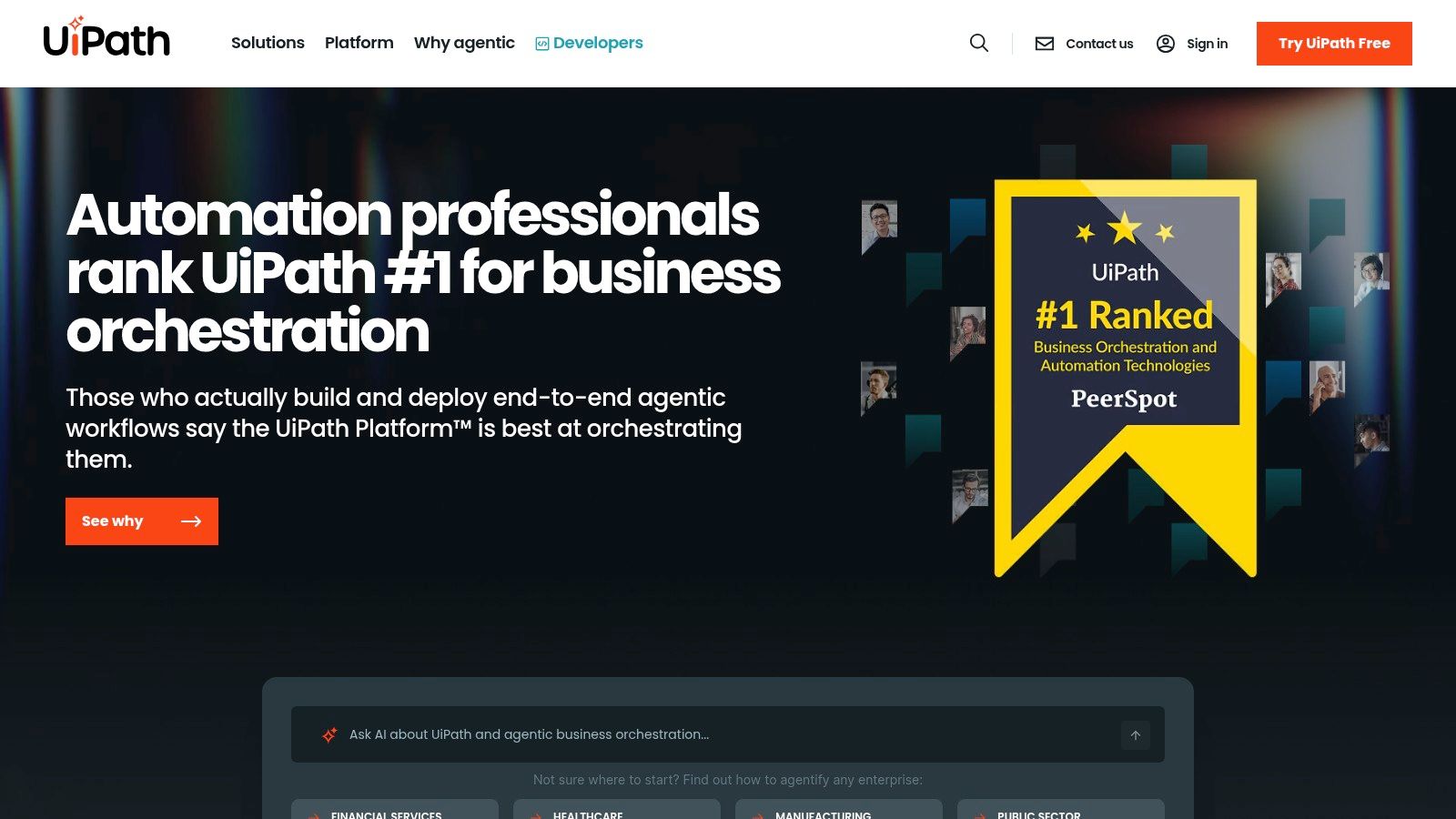
UiPath is an enterprise-grade automation powerhouse, specializing in Robotic Process Automation (RPA) combined with AI to tackle complex, large-scale business operations. While other tools focus on connecting APIs, UiPath excels at building software "robots" that mimic human actions to interact with legacy systems, documents, and applications that lack modern APIs. This makes it one of the most powerful AI tools for business automation in sectors like finance, supply chain, and healthcare, where deep-seated, repetitive tasks are common.
Its platform is designed for security, governance, and scalability, allowing organizations to manage a fleet of automation bots with precision. UiPath uses AI for advanced document understanding, data extraction, and decision-making within its workflows. This enables businesses to automate everything from invoice processing and data entry to complex compliance checks and customer service case management, all while maintaining strict operational control.
Key Features and Use Cases
- Studio and Studio Web: A powerful development environment for building simple to complex automation robots for both desktop and cloud.
- AI-Powered Document Understanding: Intelligently extract and interpret data from invoices, contracts, and forms, using human-in-the-loop validation for accuracy.
- Practical Use Case: A finance department can deploy a UiPath robot to log into an old accounting system, download daily sales reports, extract key figures using AI, cross-reference them in a modern ERP like SAP, and flag any discrepancies for human review.
| Pros | Cons |
|---|---|
| Deep feature set and ecosystem with robust governance. | Pricing is complex and geared towards enterprise sales. |
| Well-suited for complex, high-volume back-office processes. | Can be overkill and too complex for very small teams. |
Pricing and Implementation
UiPath offers various plans, including free options for individuals and small teams. Enterprise pricing is customized and requires contacting their sales team, as it is tailored to the scale of deployment and specific products used.
Website: https://www.uipath.com
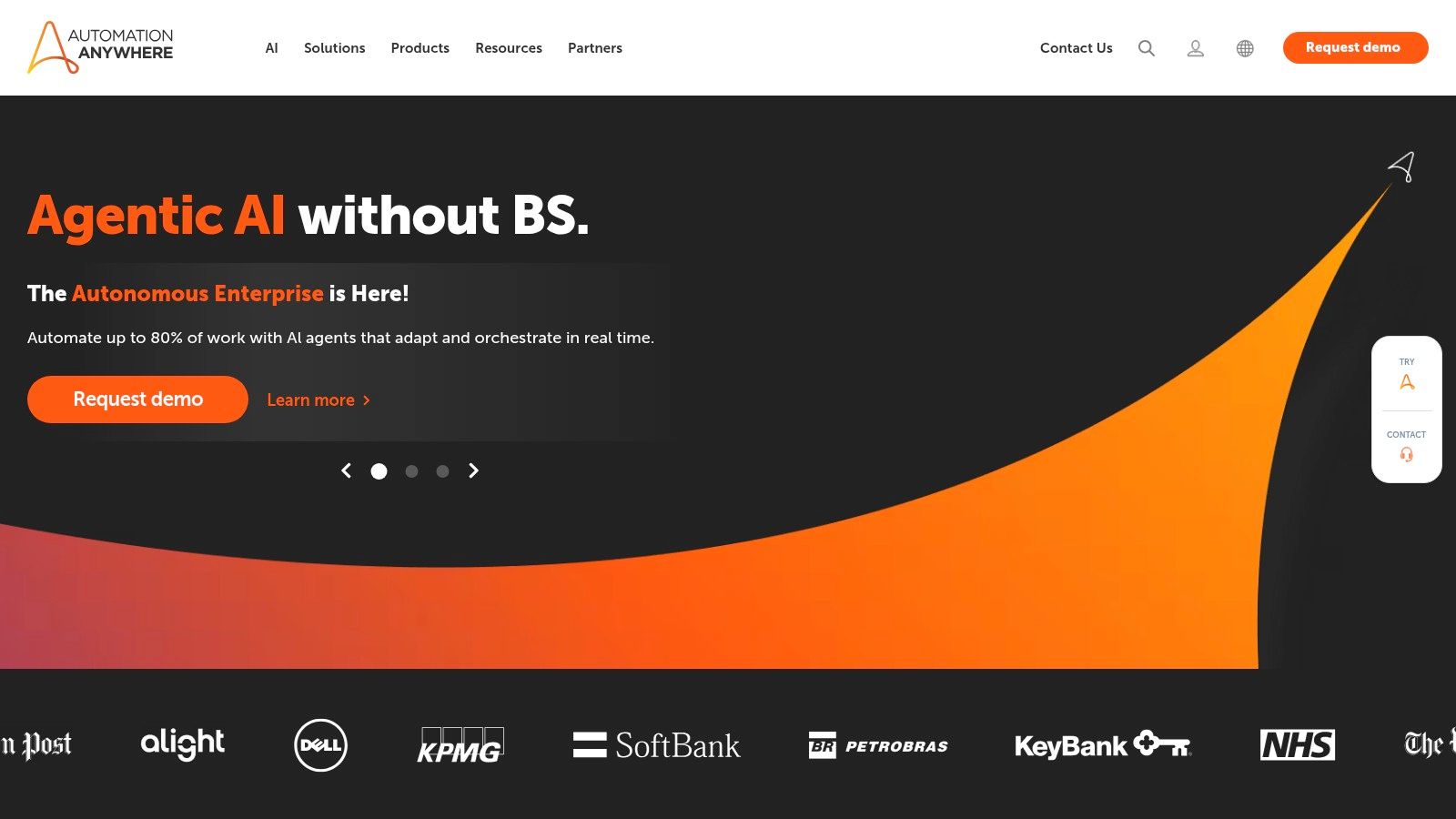
6. Automation Anywhere
Automation Anywhere is a leader in the Robotic Process Automation (RPA) space, offering a cloud-native platform, Automation 360, designed for large-scale enterprise automation. It empowers organizations to build and deploy intelligent software bots that automate repetitive, rule-based tasks across various departments like finance, HR, and customer service. By combining RPA with AI, it offers sophisticated tools for document processing, process discovery, and analytics, making it a powerful choice for businesses looking to digitize core operations.
The platform's strength is its enterprise-grade scalability and security, coupled with a user-friendly, browser-based interface for bot creation. Automation Anywhere’s Bot Store provides a marketplace of pre-built bots, which significantly accelerates deployment time for common use cases. This allows teams to automate complex processes, such as invoice processing or employee onboarding, without starting from scratch, delivering faster ROI and making it one of the more comprehensive ai tools for business automation for established companies.
Key Features and Use Cases
- Browser-Based Bot Building: A drag-and-drop interface allows both technical and non-technical users to design, test, and deploy automation bots.
- Bot Store Marketplace: Access a large library of pre-built, plug-and-play bots for applications like SAP, Salesforce, and Oracle to speed up implementation.
- Practical Use Case: A finance department can deploy a bot to automatically extract data from incoming invoices, validate it against purchase orders in their ERP system, and schedule payments, all without human intervention.
| Pros | Cons |
|---|---|
| Quick SaaS onboarding and a free Community Edition. | Enterprise licensing can be costly and complex at scale. |
| Prebuilt bots in the Bot Store reduce time-to-value. | Some advanced features are gated to higher-tier plans. |
Pricing and Implementation
Automation Anywhere offers a free Community Edition for small teams and individual developers. Enterprise pricing is quote-based and tailored to specific business needs, typically involving a sales consultation to determine the right licensing package for bots and platform features.
Website: https://www.automationanywhere.com
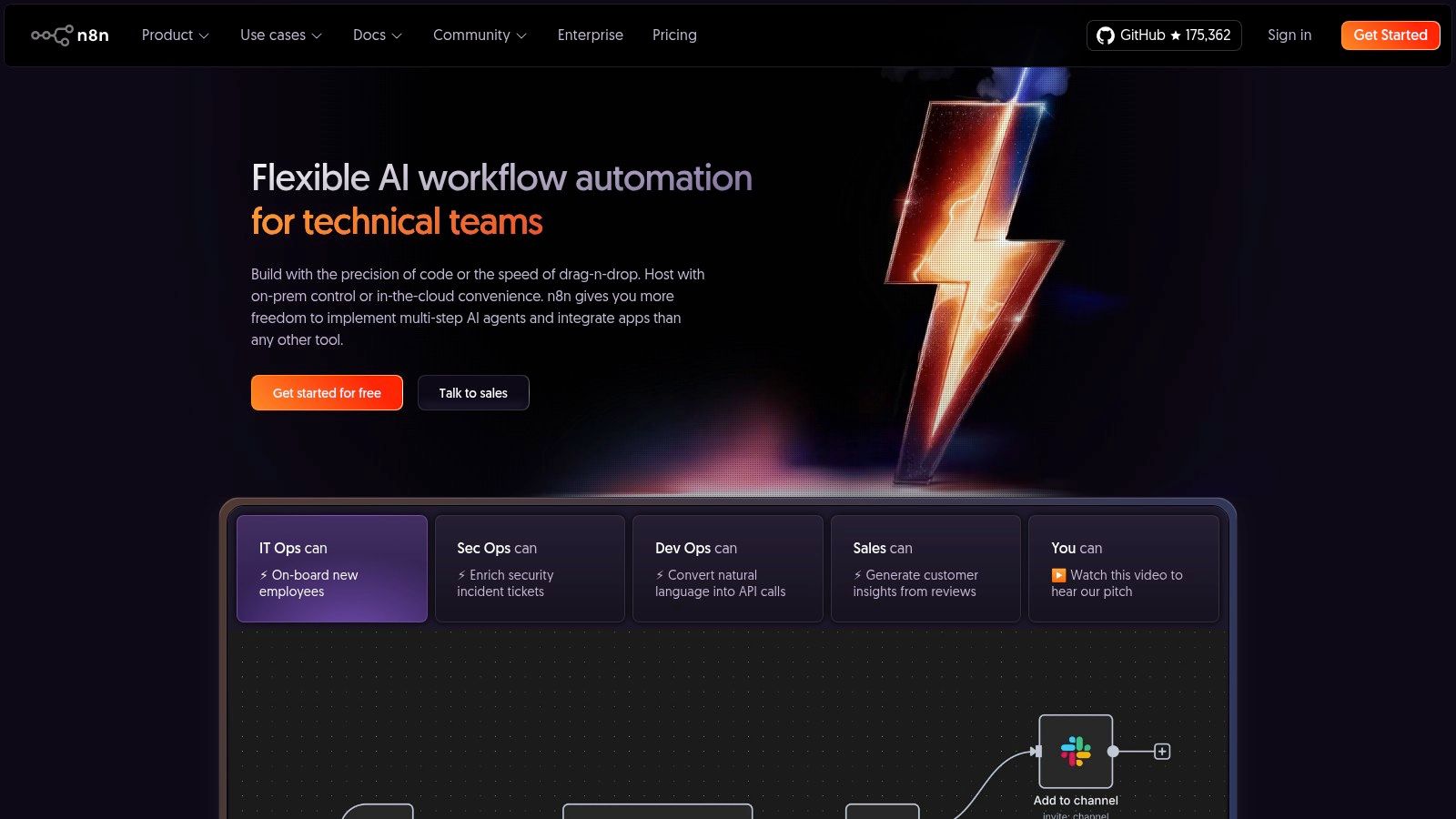
7. n8n
n8n is a source-available workflow automation tool designed for technical teams who need greater control and customization. Unlike purely no-code platforms, n8n offers a flexible, node-based visual editor that allows developers to write custom code, self-host the platform for security and cost control, and build powerful, logic-driven workflows. It's an excellent choice for businesses that need to integrate with custom APIs or perform complex data transformations that other tools can't handle.
Its developer-centric approach is its key differentiator, offering the freedom to run on your own infrastructure or use their managed cloud service. This makes n8n a powerful option among ai tools for business automation, especially for companies with in-house technical talent. You can build sophisticated automations that connect to any REST API, transform data with JavaScript, and integrate AI models directly into your operational processes, all while managing data privacy through self-hosting.
Key Features and Use Cases
- Flexible Hosting: Choose between n8n's managed cloud or self-host for free on your own servers for complete data control.
- Developer-Friendly: A node-based canvas that allows for custom JavaScript code, HTTP requests, and advanced logic branching.
- Practical Use Case: A data team can use n8n to pull user data from a production database, send it to a custom machine learning model for segmentation, and then push the results into Salesforce and a Slack channel, a process requiring custom code and security that self-hosting provides.
| Pros | Cons |
|---|---|
| Highly customizable and economical at scale via self-hosting. | More technical setup required than no-code competitors. |
| Great for developers and data teams needing code-level control. | Cloud plans have execution caps; free tier is for trial only. |
Pricing and Implementation
n8n's self-hosted version is free and source-available. Their cloud plans use an execution-based model, starting at around $20/month, and scale based on workflow executions rather than users or steps, which can be more cost-effective for complex, multi-step automations.
Website: https://n8n.io
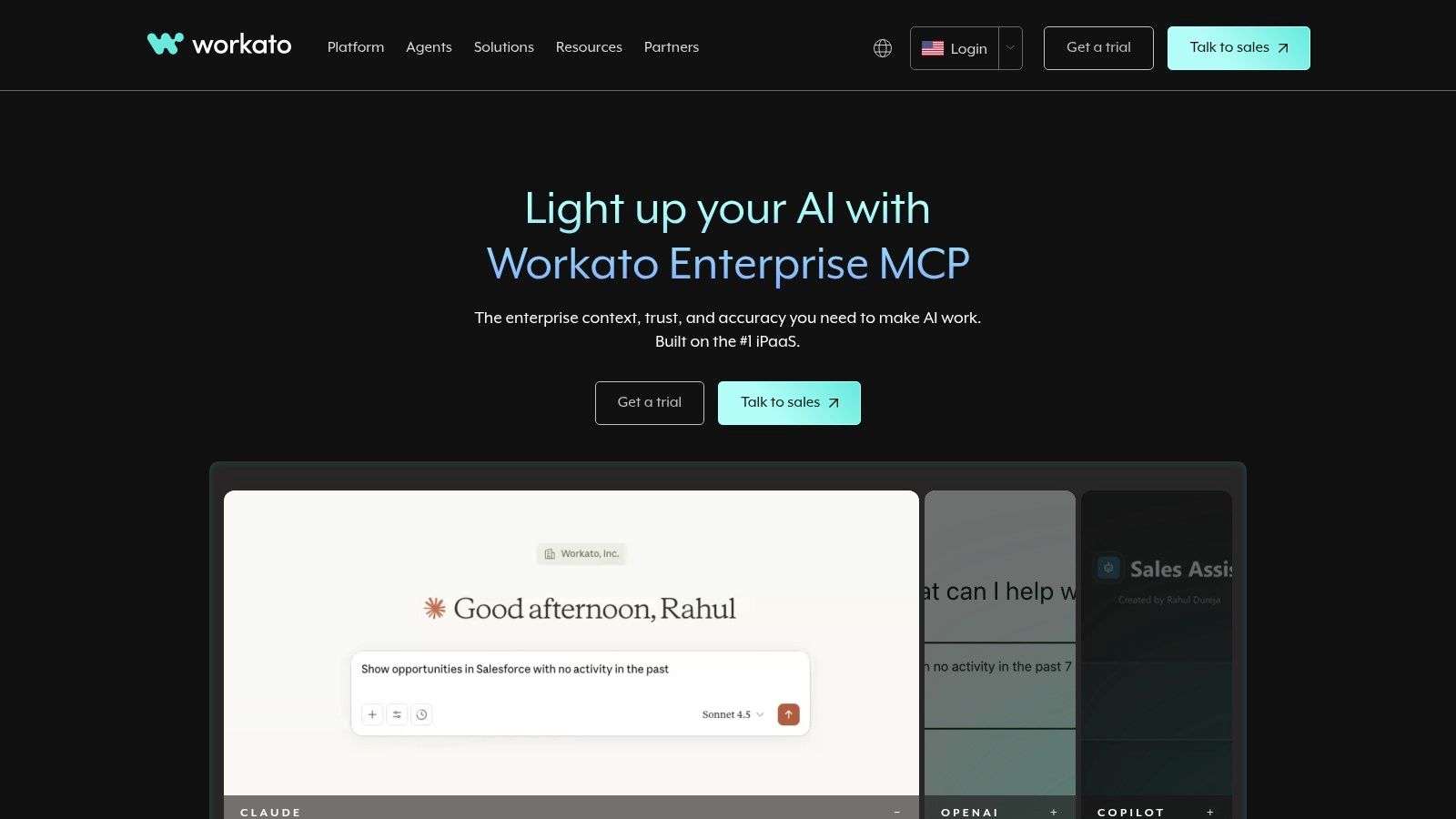
8. Workato
Workato is an enterprise-grade integration platform as a service (iPaaS) designed for complex, large-scale business automation. It targets IT, operations, and product teams that require robust governance, security, and data orchestration capabilities. Unlike simpler tools, Workato provides a powerful environment for managing mission-critical workflows across the entire organization, from finance to HR and sales, positioning it as a central nervous system for enterprise ai tools for business automation.
Its core strength is combining enterprise-level controls, such as role-based access control (RBAC) and separate development/production environments, with a user-friendly, low-code interface. Workato uses "recipes," which are pre-built automation workflows that users can customize or build from scratch. The platform excels at orchestrating sophisticated processes, like employee onboarding that spans HRIS, IT provisioning, and finance systems, or a quote-to-cash cycle connecting Salesforce, NetSuite, and Stripe.
Key Features and Use Cases
- Enterprise Governance: Features like RBAC, audit logs, and deployment environments ensure security and compliance.
- Pre-built Recipes & Connectors: An extensive library of connectors and thousands of community-built recipes accelerate implementation.
- Practical Use Case: A RevOps team can build a comprehensive lead management workflow that syncs data between Marketo, Salesforce, and a data warehouse. Workato can orchestrate data enrichment, lead scoring, and routing while maintaining a clean, auditable data flow for reporting.
| Pros | Cons |
|---|---|
| Excellent enterprise controls for scale and compliance. | Pricing requires sales engagement with a higher total cost. |
| Clear documentation on limits and pricing model. | Best value realized when managed centrally by IT or RevOps. |
Pricing and Implementation
Workato’s pricing is usage-based and tailored to enterprise needs, so it requires a conversation with their sales team. The model is designed for predictability as automation scales across departments.
Website: https://www.workato.com
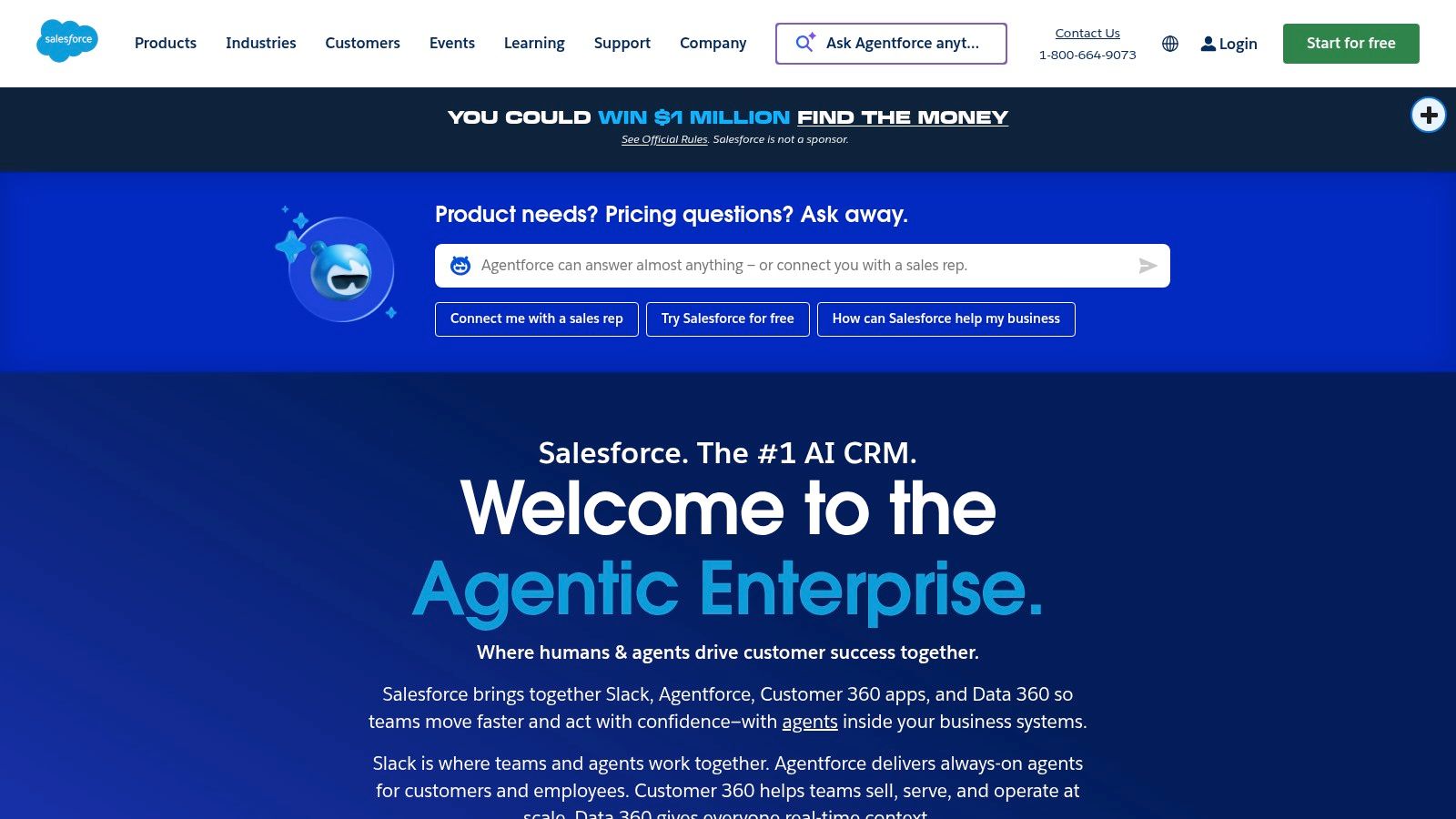
9. Salesforce (Sales Cloud + Flow + Agentforce add-ons)
Salesforce has long been the dominant force in the CRM world, and its evolution into an AI-powered automation platform makes it a critical tool for enterprise-level operations. By combining its core Sales Cloud with the low-code automation engine, Salesforce Flow, and new AI add-ons like Agentforce, it provides a native solution for embedding intelligence directly into sales and service workflows. This allows businesses to automate complex processes entirely within their CRM ecosystem, from lead scoring to case resolution.
The platform's key advantage is its ability to trigger sophisticated, multi-step automations based on any data point within the CRM. With Salesforce Flow, teams can design custom processes without deep coding knowledge. The addition of Agentforce elevates this by introducing AI agents that can handle tasks like qualifying leads, drafting follow-up emails, or updating records, making it a powerful contender among AI tools for business automation. This deep, native integration is what sets it apart from third-party automation tools that connect to a CRM.
Key Features and Use Cases
- Native Low-Code Automation: Use Salesforce Flow to build and orchestrate complex business logic directly on the platform.
- AI and Agentic Add-ons: Leverage tools like Agentforce to automate sales tasks, enrich data, and generate contextual communications.
- Practical Use Case: A sales operations team can build a Flow that automatically assigns a new lead to a rep. Agentforce can then engage the lead, qualify them based on predefined criteria, and schedule a meeting directly on the rep’s calendar, all without manual intervention.
| Pros | Cons |
|---|---|
| Native CRM automation at scale with an extensive partner network. | Pricing and add-ons can escalate quickly for full functionality. |
| Strong enterprise security, analytics, and support partners. | Implementation often requires admin skills or partner support. |
Pricing and Implementation
Salesforce pricing is tiered and highly customizable. Sales Cloud starts around $25/user/month (billed annually), but costs increase significantly with advanced editions and essential AI add-ons. Implementation is often complex and may require a certified administrator or consulting partner.
Website: https://www.salesforce.com
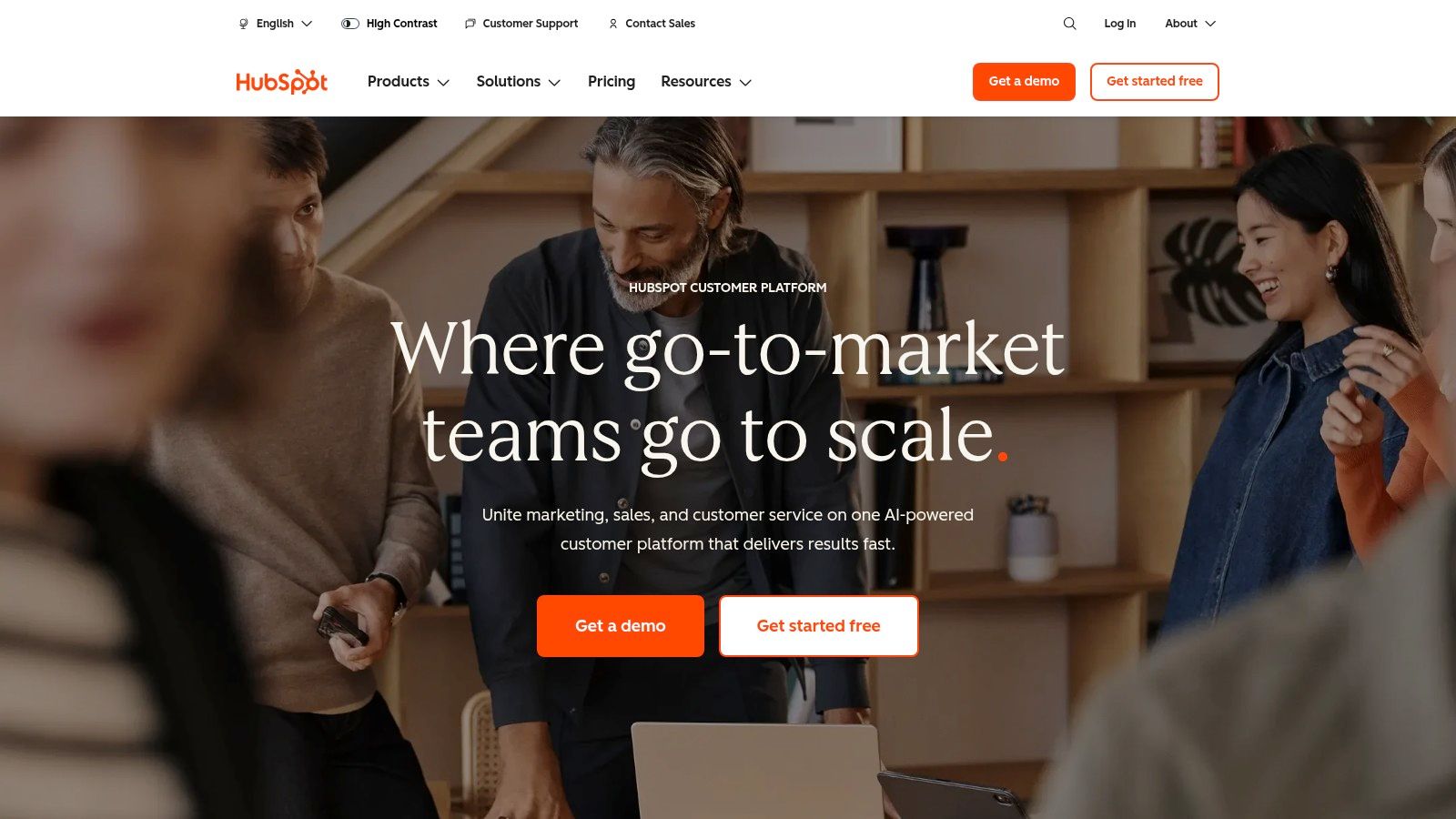
10. HubSpot
HubSpot is a comprehensive CRM platform that integrates marketing, sales, and service hubs into a single, cohesive system. It has become a dominant force by combining powerful automation with user-friendliness, and its recent infusion of AI capabilities further solidifies its position. HubSpot's AI tools are designed to augment its core automation engine, helping teams create smarter campaigns, segment audiences more effectively, and generate content at scale, making it a go-to for businesses seeking an all-in-one growth platform.
The platform excels at connecting every customer touchpoint, from the first marketing email to the final support ticket, within one unified database. Its AI features, such as the AI Content Assistant and predictive lead scoring, are embedded directly into its marketing and sales workflows. This allows a business to, for example, use AI to draft a series of nurturing emails for a new marketing campaign, then use automation to send them to a dynamically segmented audience based on engagement and CRM data.
Key Features and Use Cases
- Integrated Marketing and Sales Automation: Build visual workflows that trigger emails, SMS messages, social posts, and internal notifications based on contact properties and behaviors.
- AI Content and Segmentation Tools: Leverage AI to generate blog posts, social media copy, and ad variants. Use predictive analytics to create smart lists for hyper-targeted campaigns.
- Practical Use Case: An e-commerce brand can use HubSpot's workflows to automate an abandoned cart sequence. AI can help draft compelling email copy, and the system can automatically enroll contacts who make a purchase into a post-purchase review and loyalty campaign.
| Pros | Cons |
|---|---|
| Fast time-to-value with a strong UI and excellent reporting. | Full automation requires Professional tier or higher. |
| Tight CRM and marketing automation in one integrated stack. | Costs rise quickly with contacts, add-ons, and onboarding fees. |
Pricing and Implementation
HubSpot offers a free CRM and a free tier with basic tools. Paid plans, like the Starter plan, begin at around $18/month (billed annually), but advanced automation and AI features are primarily in the Professional and Enterprise tiers, which represent a significant investment.
Website: https://www.hubspot.com
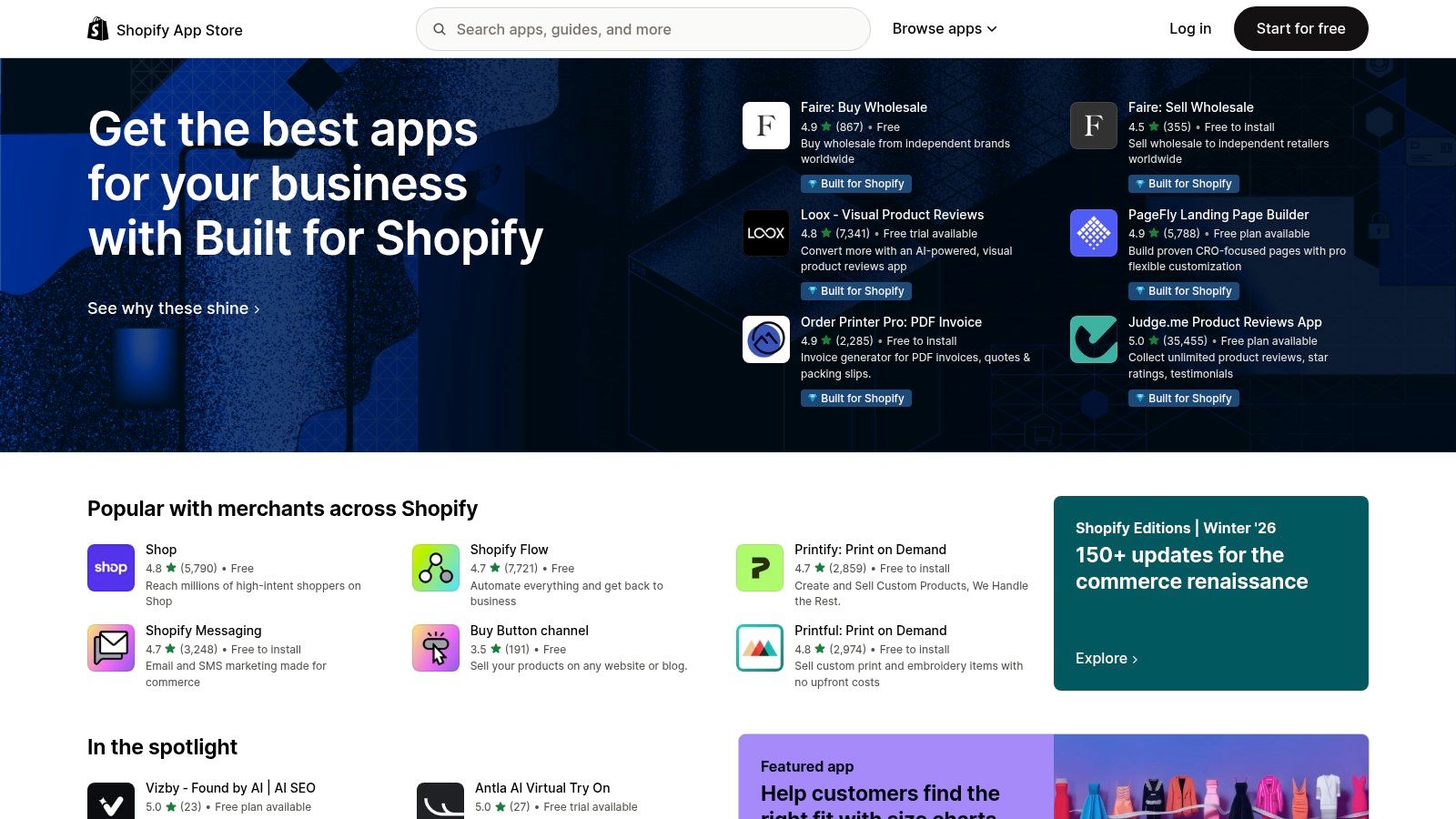
11. Shopify App Store
For e-commerce businesses running on Shopify, the official App Store is the primary gateway to integrating powerful AI and automation capabilities directly into their operations. It’s less a single tool and more a curated ecosystem where merchants can find specialized apps to automate everything from merchandising and SEO to customer support and personalization. This direct integration model makes it an essential resource for Shopify and Amazon-connected sellers looking for tailored e-commerce solutions.
The platform’s core strength is its one-click installation and unified billing, which simplifies the process of adopting new technologies. Merchants can leverage AI tools for business automation to handle tasks like automatically categorizing new products, writing SEO-optimized descriptions, creating dynamic product collections based on customer behavior, or deploying AI-powered chatbots. This allows even small teams to implement sophisticated automation without needing a developer.
Key Features and Use Cases
- Vetted App Marketplace: Access thousands of apps designed specifically for e-commerce with reviews and ratings to guide selection.
- One-Click Installation: Easily add and manage apps directly from the Shopify dashboard with unified billing for simplicity.
- Practical Use Case: A store owner can install an AI merchandising app that automatically reorders product collections based on real-time sales data, seasonality, and inventory levels, ensuring the highest-converting products are always prominently displayed.
| Pros | Cons |
|---|---|
| Native integration into Shopify and fast deployment. | App quality varies and requires careful vetting. |
| Wide range of price points and use cases tailored to e-commerce. | Costs can stack quickly when using multiple apps. |
Pricing and Implementation
Pricing varies widely, as each app has its own model. Many offer free trials or freemium plans, with paid options typically ranging from a few dollars to several hundred per month depending on the app's complexity and the store's size.
Website: https://apps.shopify.com
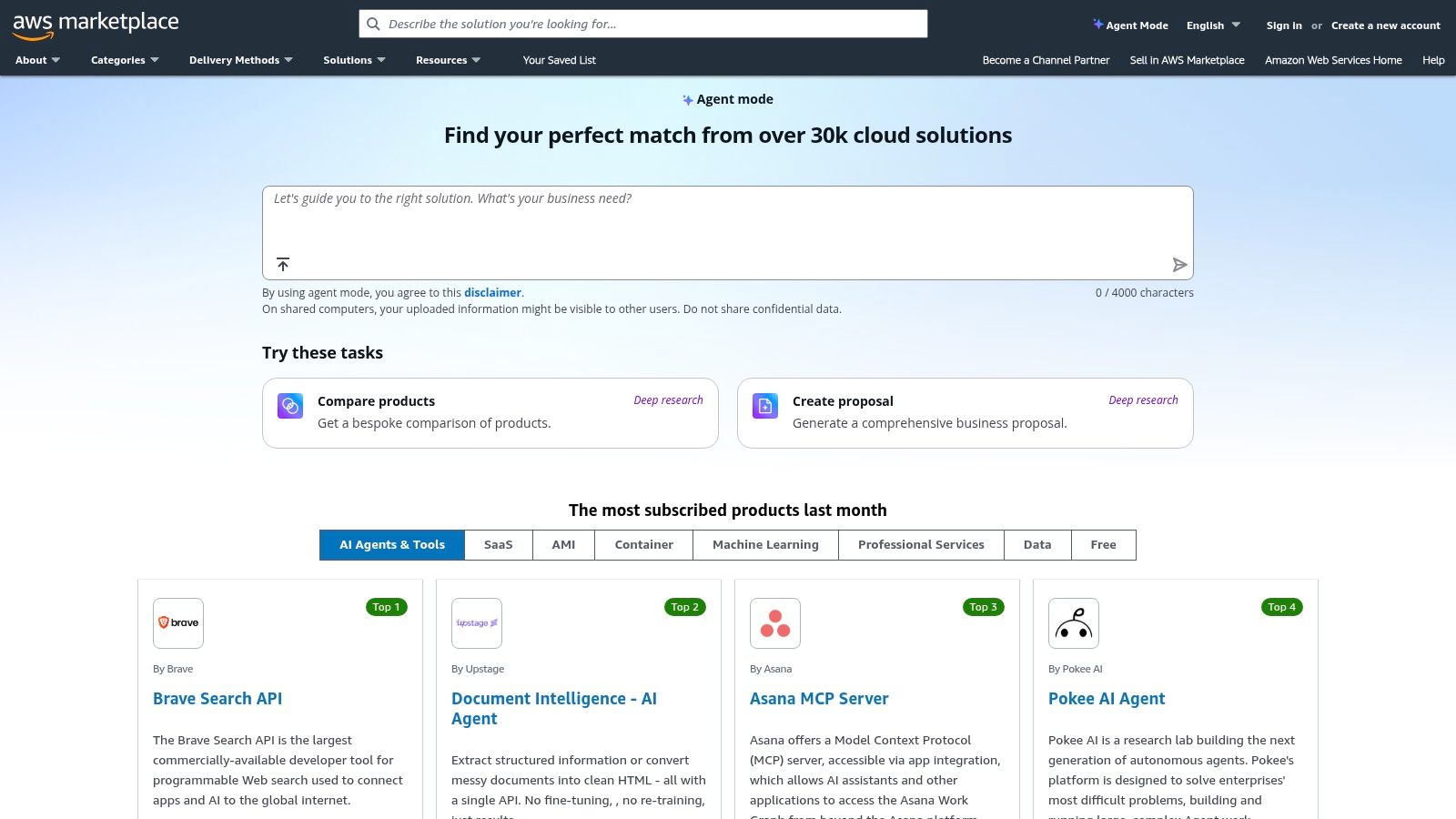
12. AWS Marketplace
AWS Marketplace is not a single tool but a curated digital catalog where businesses can find, buy, and deploy thousands of software listings from independent software vendors. For enterprises already invested in the Amazon Web Services ecosystem, it is a powerful procurement hub for deploying vetted AI tools for business automation. This platform simplifies the process of discovering and integrating third-party AI agents, automation software, and industry-specific solutions directly into an existing AWS environment.
The primary advantage is its deep integration with AWS, which allows for consolidated billing, streamlined security governance, and simplified vendor management. Instead of managing separate contracts and invoices, businesses can procure sophisticated AI solutions and have the costs appear on their single AWS bill. This is particularly beneficial for IT and finance departments seeking to maintain control over software procurement while enabling teams with powerful automation capabilities, from machine learning models to complete robotic process automation (RPA) platforms.
Key Features and Use Cases
- Curated AI and Automation Catalogs: Discover and deploy everything from pre-trained AI models to full-scale automation platforms like UiPath or Automation Anywhere.
- Enterprise Procurement Workflows: Utilize private offers, annual contracts, and usage-based pricing to fit enterprise buying cycles and budget management.
- Practical Use Case: An enterprise IT team can procure a certified AI-powered security monitoring tool from the Marketplace. They can deploy it within their secure AWS environment, manage access via existing AWS IAM roles, and consolidate the billing, all without a lengthy new vendor onboarding process.
| Pros | Cons |
|---|---|
| Centralized security and compliance posture via AWS. | Requires an AWS account and infrastructure charges may apply. |
| Streamlined vendor management and cost allocation for enterprises. | Many listings require sales contact for final pricing and negotiation. |
Pricing and Implementation
Pricing is determined by the individual software vendors on the marketplace and varies widely. Models include free trials, hourly/usage-based rates, and annual contracts. All costs are consolidated into your monthly AWS bill, simplifying financial management.
Website: https://aws.amazon.com/marketplace
Top 12 AI Business Automation Tools Comparison
| Product | Core features | 👥 Target audience | ✨ Unique selling points | ★ UX / Quality | 💰 Price / Value |
|---|---|---|---|---|---|
| SynthAI 🏆 | 10 specialist AI assistants + Nexus orchestration; pre-built workflows; real-time analytics | e‑commerce founders, agencies, SaaS growth teams, SMEs | ✨ Orchestrated multi-assistant automation; Social Pilot; SOC 2; Visual Debugger | ★★★★★ (4.9/5 cited) | 💰 Credit plans $39+/mo; 7–14d trial; HD video add‑ons |
| Zapier | 8,000+ integrations; visual workflows; AI Copilot | Non‑technical teams, marketing, ops, SMBs | ✨ Massive template library; fastest no‑code onboarding | ★★★★☆ | 💰 Freemium → can be costly at high task volume |
| Make (Integromat) | Drag‑and‑drop scenarios; routers/filters; deep payload mapping | Marketing ops, ecommerce, analytics, technical users | ✨ Fine‑grained data transforms; cost‑effective entry | ★★★★ | 💰 Competitive entry pricing; credit/usage billing |
| Microsoft Power Automate | Low‑code flows, attended/unattended RPA, process mining | MS‑centric IT, finance, operations teams | ✨ Tight Microsoft 365/Dynamics/Azure integration; RPA + governance | ★★★★ | 💰 Per‑user/plan pricing; attractive for MS customers |
| UiPath | Studio/Cloud robots; document understanding; Orchestrator | Large enterprises, finance ops, contact centers | ✨ Enterprise-grade governance, scaling & MLOps | ★★★★☆ | 💰 Enterprise, sales‑led pricing (higher TCO) |
| Automation Anywhere | Browser bot builder; Bot Insight analytics; Bot Store | Service desks, finance, HR, contact centers | ✨ Prebuilt bot marketplace; quick SaaS onboarding | ★★★★ | 💰 SaaS + enterprise licensing; Community Edition available |
| n8n | Source‑available; self‑host/cloud; execution billing | Developers, data teams, self‑hosters | ✨ Highly customizable; economical self‑host option | ★★★☆ | 💰 Free self‑host; cloud plans with execution caps |
| Workato | Enterprise iPaaS; RBAC, environments; recipes | IT, RevOps, product teams in large orgs | ✨ Strong governance & predictable usage model | ★★★★ | 💰 Usage‑based, sales engagement often required |
| Salesforce (Sales Cloud + Flow) | CRM + Flow low‑code automation; Agentforce add‑ons | Sales, service, enterprise customers | ✨ Native CRM automation + AppExchange ecosystem | ★★★★ | 💰 Seat + add‑ons can escalate quickly |
| HubSpot | CRM + marketing workflows; AI content & segmentation | SMBs, agencies, ecommerce, SaaS | ✨ Free CRM + strong templates & academy resources | ★★★★☆ | 💰 Free tier; costs rise with contacts & tiers |
| Shopify App Store | Marketplace of ecommerce apps; 1‑click install | Shopify merchants, ecommerce sellers | ✨ Native Shopify apps, reviews & trials for vetting | ★★★☆ | 💰 Wide price range; costs can stack across apps |
| AWS Marketplace | Curated catalog, private offers, consolidated billing | Enterprise procurement, IT teams | ✨ Consolidated AWS billing; enterprise procurement workflows | ★★★☆ | 💰 Usage/contract pricing; may add infra charges |
From Tools to Strategy: Making Your Automation Stack Work for You
Navigating the landscape of AI tools for business automation can feel overwhelming, but as we've explored, the right technology can fundamentally transform your operations. We've journeyed through powerful integrators like Zapier and Make, enterprise-grade RPA platforms such as UiPath, and ecosystem-specific solutions within Salesforce and HubSpot. The core lesson is clear: automation is no longer a luxury for large corporations; it's an accessible, critical driver of efficiency and growth for businesses of all sizes.
The true power of these tools is unleashed not by their individual features, but by how they fit into a cohesive strategy. Your goal shouldn't be to simply adopt AI, but to solve specific, high-impact business problems. Start by pinpointing the most significant bottlenecks in your daily workflow. Are your marketing teams bogged down by repetitive content repurposing? Is your sales staff spending more time on data entry than on building relationships? Answering these questions will guide your selection process far more effectively than any feature list.
Key Takeaways for Building Your Automation Stack
This comprehensive review of AI automation tools highlights several crucial themes. Firstly, the market offers a spectrum of solutions, from highly specialized point solutions to all-encompassing platforms. While niche tools can be powerful, they often lead to a fragmented and costly tech stack that creates data silos and complex maintenance routines.
Secondly, the distinction between simple integration platforms and true AI-powered automation is becoming increasingly important. While tools like Zapier are fantastic for connecting apps with "if this, then that" logic, platforms like SynthAI introduce a layer of intelligent decision-making, content generation, and task execution that mimics a human team. This evolution marks the shift from merely connecting systems to actively augmenting your workforce.
Finally, implementation is everything. The most advanced ai tools for business automation will fail to deliver value without a clear plan, team buy-in, and a phased rollout. Start small with a pilot project, measure the impact, and then scale your efforts across the organization.
Actionable Next Steps to Get Started
Feeling ready to take the leap? Here’s a simple framework to guide your next moves:
1. Conduct an Automation Audit: Identify three to five manual, repetitive tasks that consume the most time within your team. Quantify the hours spent on these activities weekly to establish a baseline for measuring ROI. Common areas include lead data entry, social media scheduling, and initial customer support responses.
2. Evaluate Your Current Ecosystem: Are you deeply embedded in a platform like Salesforce, HubSpot, or Microsoft? If so, explore their native automation capabilities first. These tools offer the advantage of seamless integration and a familiar user interface, which can significantly lower the adoption barrier for your team.
3. Compare Point Solutions vs. Platform Plays: For single-problem needs, a specialized tool might suffice. However, if your audit reveals bottlenecks across multiple departments (marketing, sales, operations), a unified platform like SynthAI is likely a more strategic and cost-effective choice. A consolidated approach simplifies vendor management, unifies data, and ensures your AI assistants can collaborate on complex, cross-functional workflows.
4. Prioritize Scalability and Integration: Choose a solution that not only solves today's challenges but can also grow with you. Ensure the platform integrates with the critical software you already use and offers the flexibility to adapt as your business processes evolve.
The journey into business automation is a marathon, not a sprint. By starting with a clear strategy, choosing tools that align with your long-term vision, and focusing on solving real-world problems, you can build a powerful system that frees your team to focus on what they do best: innovate, connect, and drive your business forward.
Ready to consolidate your tech stack and replace fragmented subscriptions with a single, intelligent platform? See how SynthAI uses a coordinated team of AI assistants to handle everything from content creation to customer support, delivering powerful ai tools for business automation in one unified workspace. Explore SynthAI and start your journey to smarter automation today.
Ready to Transform Your Business with AI?
Build your AI team and start automating your marketing today.